

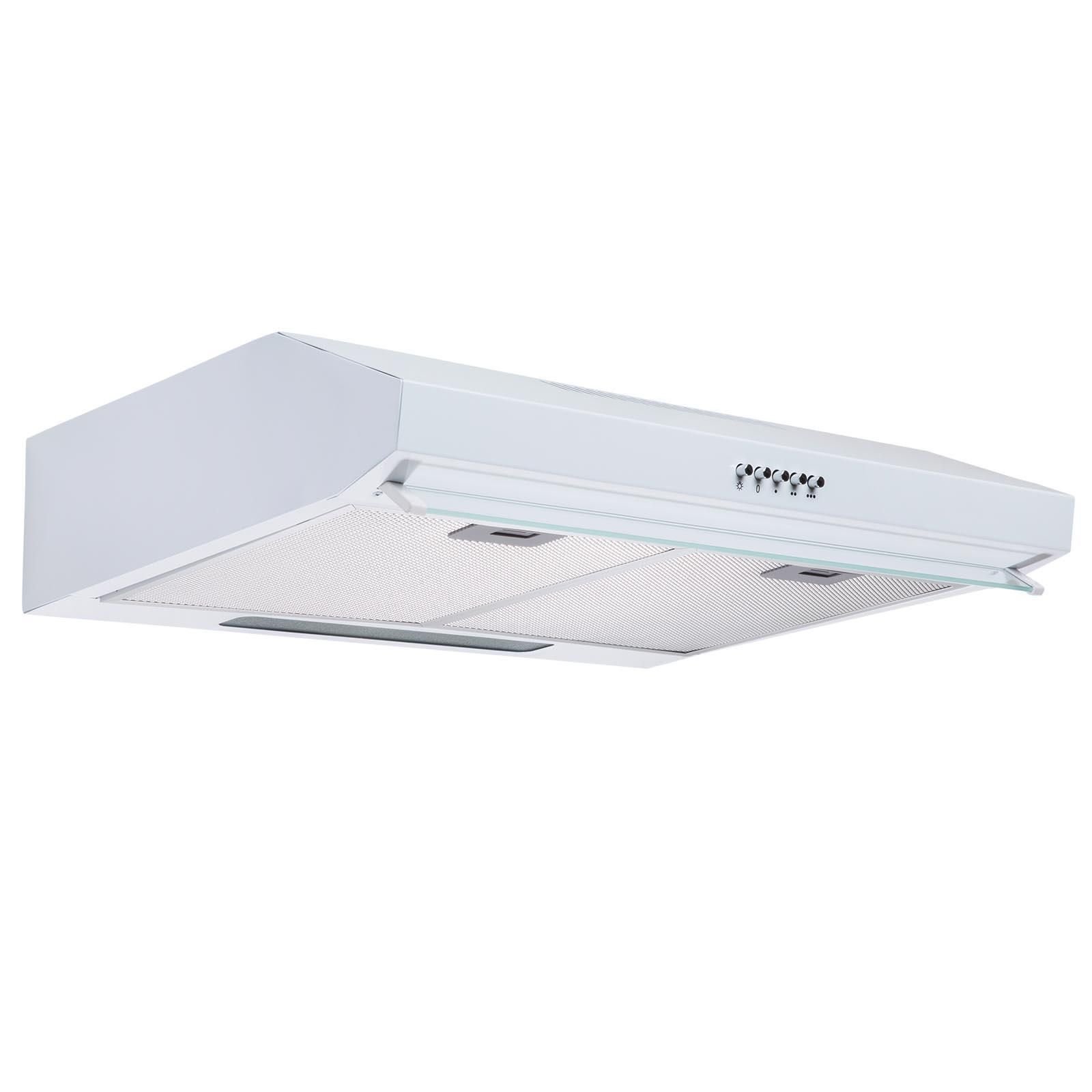
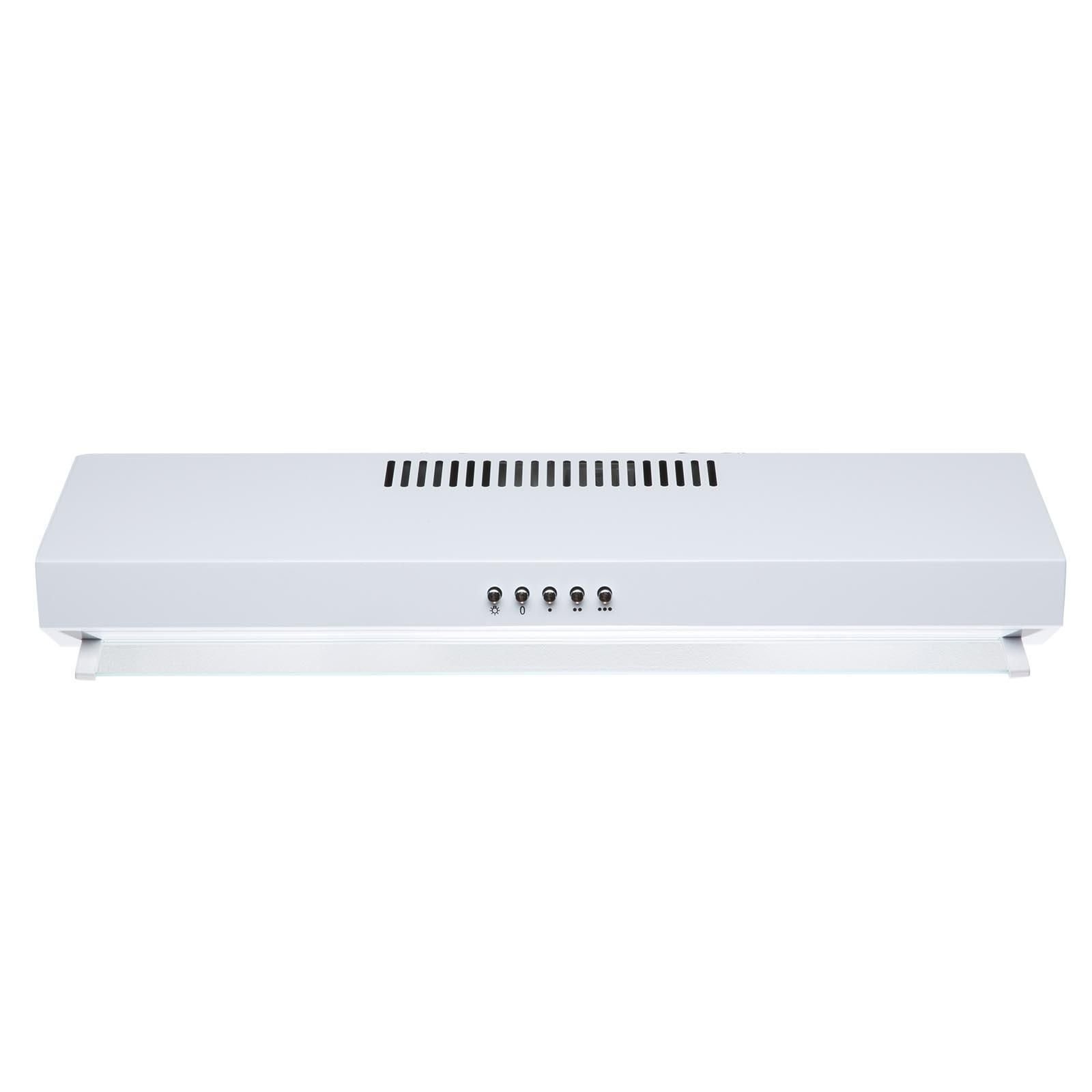

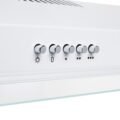

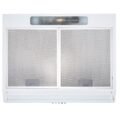
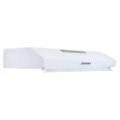

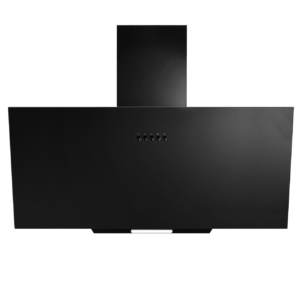
60cm White Kitchen Extractor Fan / Visor Cooker Hood – SIA VSR60WH
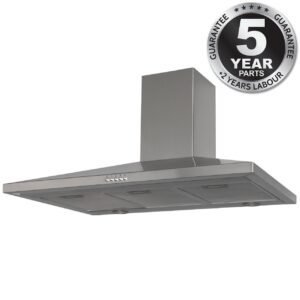
5 Years Parts & 2 Years Labour Guarantee*
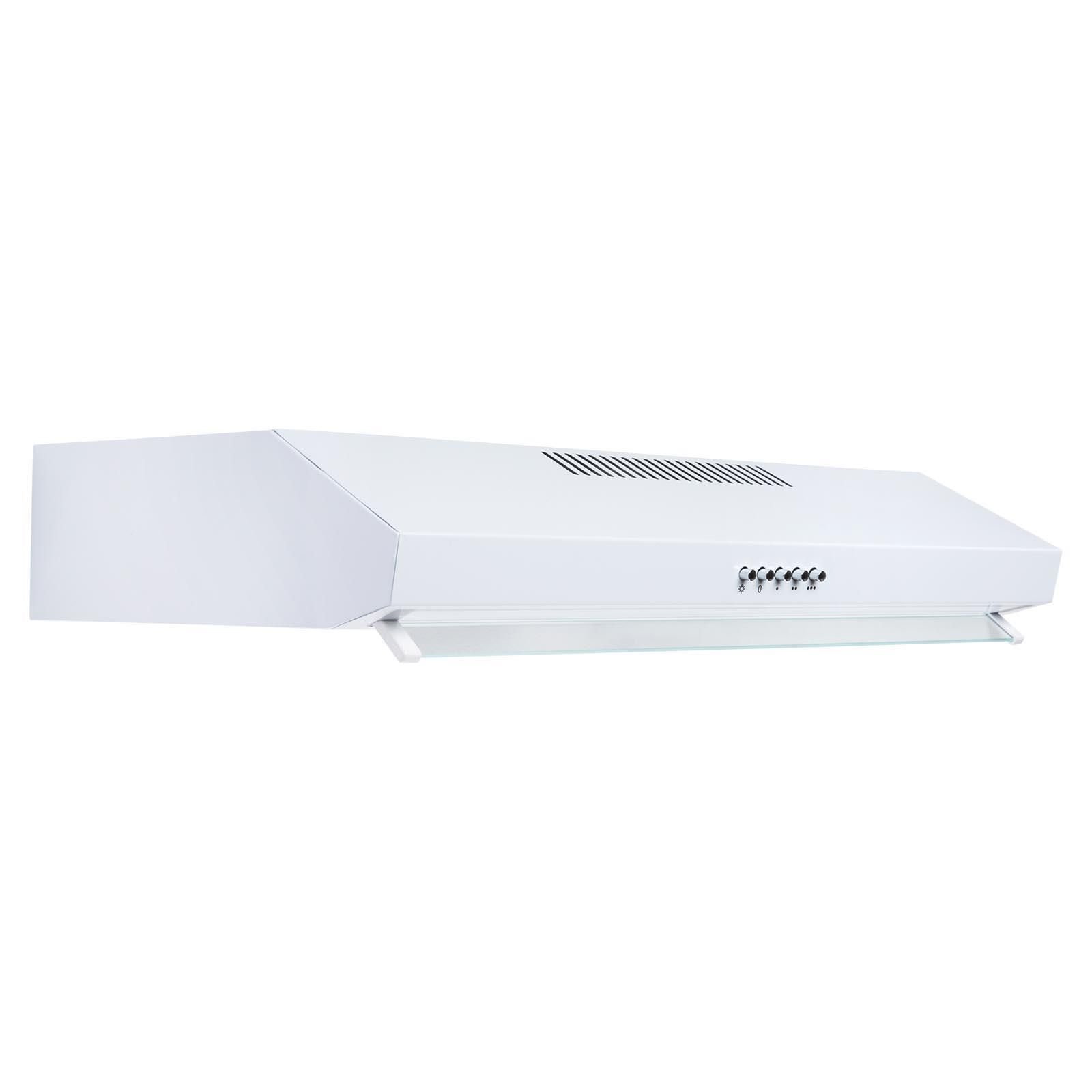
- 3 variable speeds
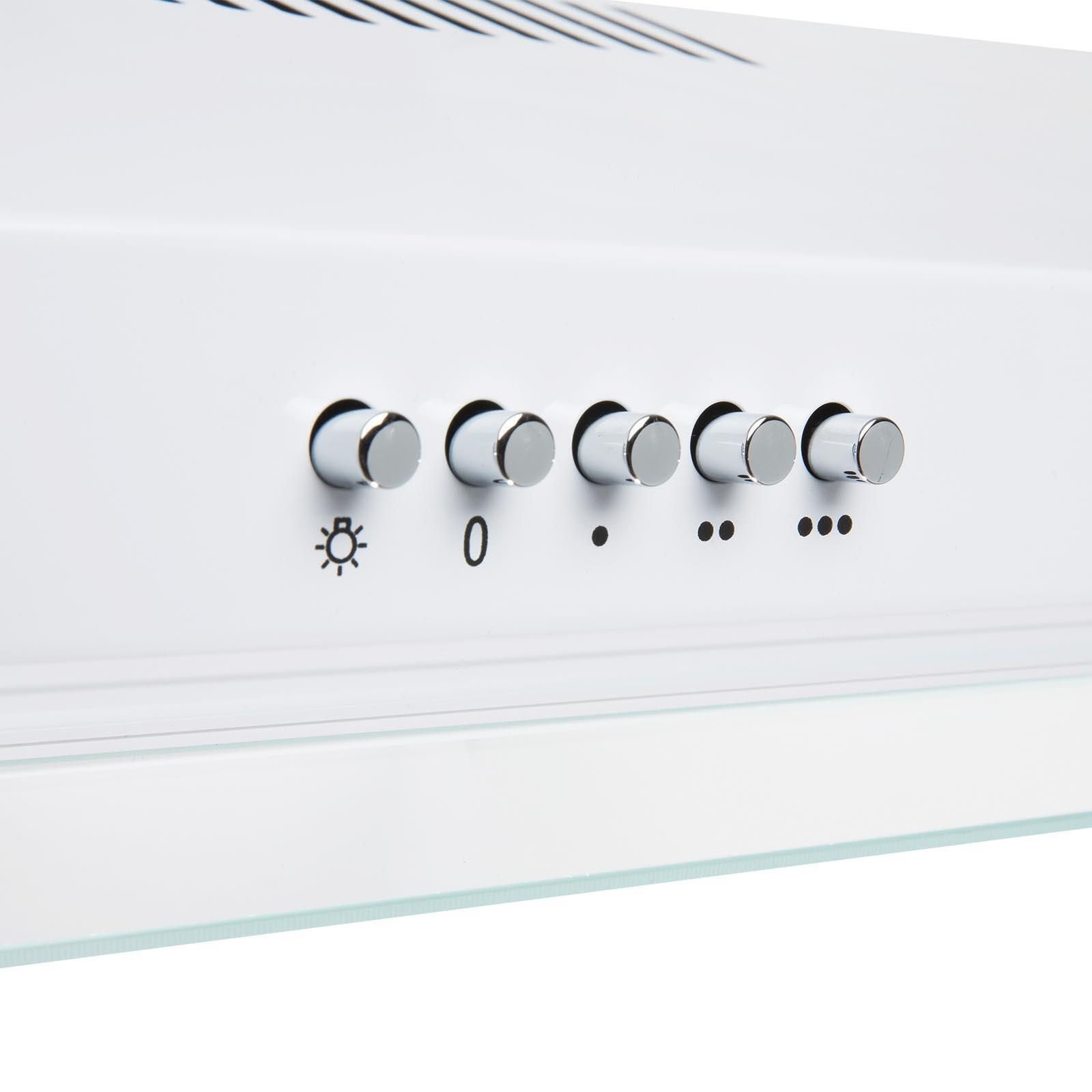
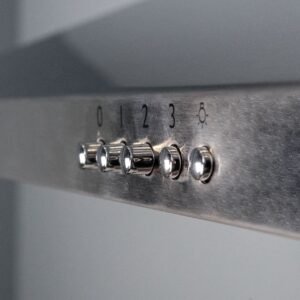
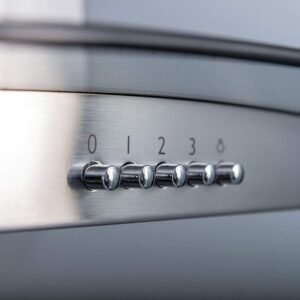
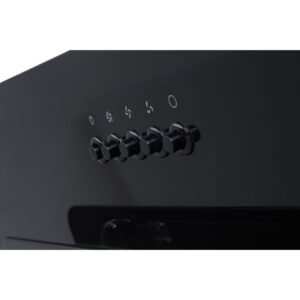
- Push button controls
- 1 x 4W LED lamp
- Single fan motor
- Ducted installation
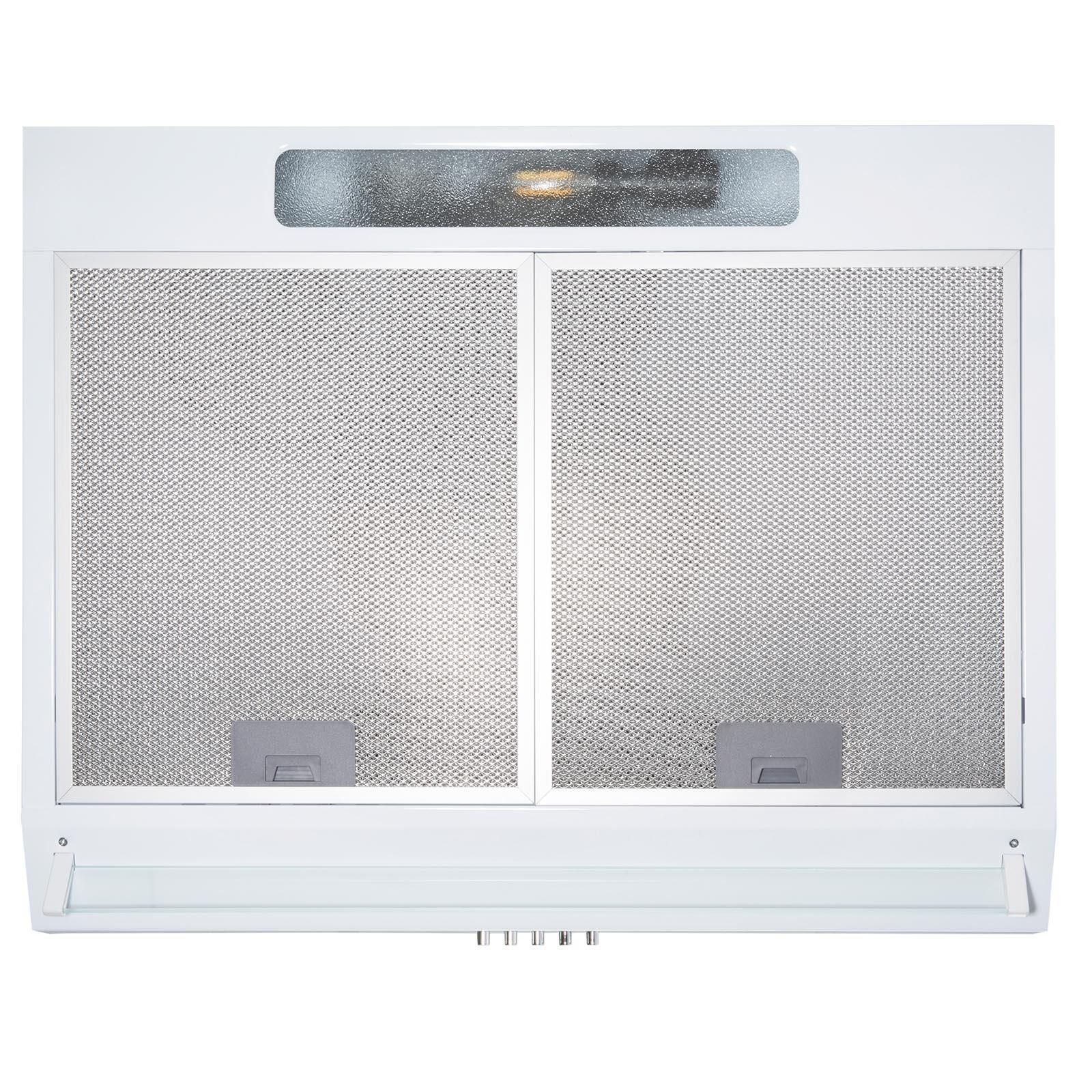
- 2 x grease filters
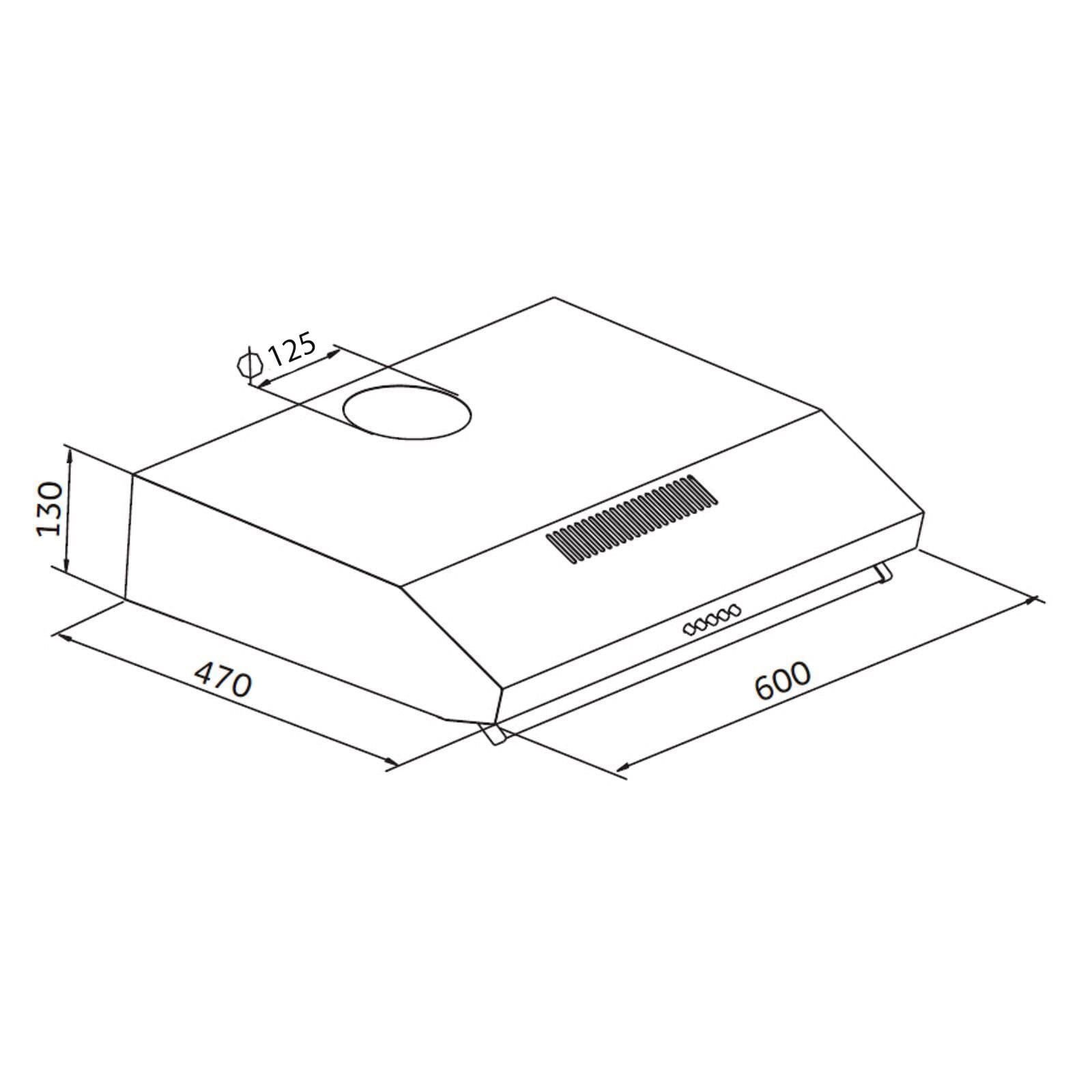
Dimensions : W60.0 x D47.0 x H13.0 (cm)
- Estimated Delivery : Up to 4 business days
- Free Shipping & Returns : On all orders over $200
Product Description
Are you looking for a kitchen extractor fan which has a super slim design so as to fit in and around your
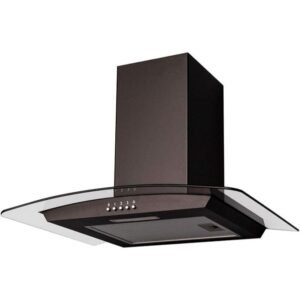
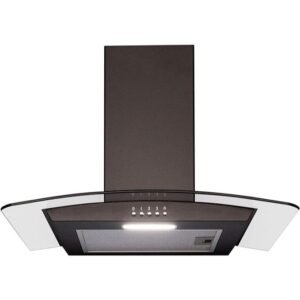
The SIA VSR60WH is a sleek 60cm white Kitchen Extractor Fan which aims to provide you with value for money. As a low-cost option, this is the perfect buy for those who seek a high-quality product at a low price. Its slimline design makes this appliance ideal for compact spaces where space is limited. Despite its small size, its performance is still of an excellent standard, with an improved extraction of 320 m3/hr! At a simple push of a button, you can switch between economical air filtration and powerful air extraction, eliminating any odours and stream produced from cooking in a matter of minutes!
This kitchen extractor fan is suitable for either internal re-circulation – air is passed through a charcoal filter, purified and released back into the kitchen, or external extraction – cooking odours and vapours are transferred outside with the help of a ducting kit.
Guarantee of this SIA VSR60WH 60cm White Kitchen Extractor Fan / Visor Cooker Hood
This product boasts a 5 Years Parts & 2 Years Labour Guarantee* to give you the reassurance you need when buying a new appliance.
Features
3 variable speeds
Push button controls
1 x 4W LED lamp
Single fan motor
Ducted or re-circulating installation
2 x dishwasher safe aluminium grease filters
Fitting Notes
Please ensure there is enough ceiling height to accommodate the clearance needed between the appliance and the hob.
Required height over gas hob (mm): 750
Required height over electric hob (mm): 650
Please note that if the hob manual states the clearance must be greater than the above, this will override these instructions.
Technical Specifications
Ducting outlet diameter (mm): 125
Extraction rate (m3/hr): 320
Noise level (dBa): 61
Power supply required (A): 3
Product dimensions (mm): W600 x D470 x H130
Net / gross weight (kg): 5.0 / 5.9
Power (W): 49
Mains lead length (m): 1
This 60cm kitchen extractor fan is available in Two Colors, White & Stainless Steel
Please note this appliance must be hardwired by a qualified electrician.
*Guarantee subject to Online Registration within 30 days of purchase.
| Weight | 5.0 kg |
|---|---|
| Dimensions | 47.0 × 60.0 × 13.0 cm |
27 reviews for 60cm White Kitchen Extractor Fan / Visor Cooker Hood – SIA VSR60WH
Related products
-
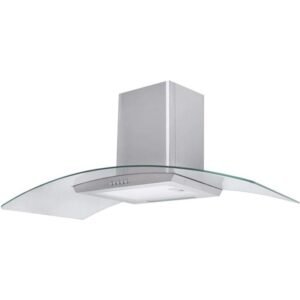
100cm Curved Glass Chimney Cooker Hood – SIA CGH100SS
Original price was: £165.99.£117.99Current price is: £117.99. -
90cm Chimney Cooker Hood, Stainless Steel – SIA CHL90SS
Original price was: £104.99.£77.99Current price is: £77.99. -
60cm SS Glass Chimney Cooker Hood – SIA CGH60SS
Original price was: £99.99.£79.99Current price is: £79.99. -
60cm Black Glass Chimney Cooker Hood – SIA CGH60BL
Original price was: £99.99.£90.99Current price is: £90.99. -
90cm Black Angled Cooker Hood – SIA AGE91BL
Original price was: £185.99.£137.99Current price is: £137.99. -
70cm Black Angled Glass Chimney Cooker Hood – SIA AH70BL
Original price was: £109.99.£85.99Current price is: £85.99.



Dell –
Excellent value for money
Rob –
Decent quality
Easy to install, and works well.
Rolloyd –
Excellent value for the money
Very pleased with it easy enough to install excellent value for money
June –
Slim line visor cooker hood.
Works well.
allanetaylor –
Perfect as a replacement for a broken cooker hood
Excellent value, good suction
Luca Bacchiocchi –
Good product
Stoz –
Excellent
Easy to install and very good suction, very happy
Brian wasley –
Cooker hood
Very happy good quality would recomend
fezal –
Good buy smelly kitchen!
Good value and ease of use.
keith todd –
Good purchase
Good price and good product !
Patrick Palmer –
Value for money.
Not too loud. Powerful fan.
Mrs Carol Costello –
Perfect
Easy to install. Slimline Clean look. Really pleased
diane hammond –
Excellent value for money easy to install looks great
Wilyams –
excellent
First of all. I was Shocked how quickly it came. Such amazing service. Secondly, it does its job perfectly. Not overly loud. looks good. really pleased with it
How to Register an Account on Binance –
Thanks for this very informative article! For anyone looking for a detailed step-by-step guide on creating a Binance account, here’s a helpful resource I found: How to Register an Account on Binance. Hope it’s useful!
Создать учетную запись Binance –
Как создать аккаунт на Binance
Binance — одна из крупнейших и самых надежных криптовалютных бирж в мире. Независимо от того, являетесь ли вы новичком в криптотрейдинге или опытным инвестором, создание аккаунта на Binance — это просто и быстро. Следуйте этому пошаговому руководству, чтобы настроить свой аккаунт и начать торговать.
Шаг 1: Перейдите на сайт Binance
Откройте браузер и посетите официальный сайт Binance.
Убедитесь, что вы находитесь на правильном сайте, чтобы избежать фишинговых атак. Проверьте наличие значка замка рядом с URL, чтобы убедиться в безопасности.
Шаг 2: Зарегистрируйтесь для создания нового аккаунта
На главной странице нажмите на кнопку “Регистрация” в правом верхнем углу.
Выберите, хотите ли вы зарегистрироваться, используя электронную почту или номер телефона, чтобы создать аккаунт Binance.
Шаг 3: Заполните регистрационную информацию
Введите свою электронную почту или номер телефона.
Создайте надежный пароль для своего аккаунта, используя сочетание букв, цифр и символов.
Примите Условия использования Binance, поставив галочку.
Нажмите кнопку “Создать аккаунт”, чтобы продолжить.
Шаг 4: Пройдите проверку безопасности
Binance предложит вам выполнить защитный пазл, чтобы подтвердить, что вы не робот. Перетащите элемент пазла на нужное место.
Если вы зарегистрировались с электронной почтой, Binance отправит код подтверждения на вашу почту. Введите этот код на сайте Binance.
Шаг 5: Включите двухфакторную аутентификацию (необязательно, но рекомендуется)
Для дополнительной безопасности Binance рекомендует включить двухфакторную аутентификацию (2FA).
Вы можете выбрать Google Authenticator или SMS-аутентификацию для этой цели.
Чтобы настроить 2FA, следуйте инструкциям для связывания своего аккаунта Binance с приложением Google Authenticator или номером телефона.
Шаг 6: Подтвердите свою личность (KYC)
В зависимости от вашей страны и суммы, которую вы планируете торговать, Binance может потребовать пройти проверку личности (KYC).
Для прохождения KYC вам потребуется предоставить личную информацию, такую как:
Полное имя
Адрес
Удостоверение личности, выданное государством (паспорт, водительское удостоверение или национальный ID)
Загрузите необходимые документы и следуйте инструкциям на экране.
Binance проверит ваши данные, и процесс проверки обычно занимает от нескольких минут до нескольких часов.
Шаг 7: Пополните счет и начните торговать
После настройки и проверки аккаунта вы можете пополнить счет.
Перейдите в раздел “Кошелек” и выберите “Пополнение”.
Вы можете пополнить счет фиатной валютой (USD, EUR и др.) через банковский перевод или кредитную карту, или можете сразу внести криптовалюту, если она у вас уже есть.
После пополнения счета вы можете начать торговать на платформе Binance!
Заключение
Создание аккаунта на Binance — это быстро и легко, особенно если вы следуете приведенным выше шагам. С использованием таких мер безопасности, как двухфакторная аутентификация и проверка личности, вы можете торговать с уверенностью на одной из крупнейших криптовалютных бирж в мире.
Удачной торговли!
Binance Guide to Account Functions –
How to Register on the Binance Website How to Register on the Binance Website?
How to Register on the Binance App How to Register on the Binance App?
How to Register an Account on Binance –
Thanks for this very informative article! For anyone looking for a detailed step-by-step guide on creating a Binance account, here’s a helpful resource I found: How to Register an Account on Binance. Hope it’s useful!
binance –
How to Register on the Binance Website How to Register on the Binance Website
How to Register on the Binance App How to Register on the Binance App
create binance account –
How to Register an Account on Binance https://www.binance.com/en/square/post/15710503553490?ref=775587485
How to Register an Account on Binance –
How to Register an Account on Binance in India
How to Register an Account on Binance in the United States
How to Register an Account on Binance in Canada
How to Register an Account on Binance in Australia
How to Register an Account on Binance in the United Kingdom
How to Register an Account on Binance in Singapore
How to Register an Account on Binance in South Africa
How to Register an Account on Binance in Germany
How to Register an Account on Binance in France
How to Register an Account on Binance in Spain
How to Register an Account on Binance in Brazil
How to Register an Account on Binance in Italy
How to Register an Account on Binance in the Netherlands
How to Register an Account on Binance in the UAE
How to Register an Account on Binance in Japan
How to Register an Account on Binance in South Korea
How to Register an Account on Binance in Portugal
How to Register an Account on Binance in Russia
How to Register an Account on Binance in China
How to Register an Account on Binance in Turkey
How to Register an Account on Binance in Thailand
How to Register an Account on Binance in Vietnam
Create Binance Corporate Account –
create binance Wealth Management Create Binance Wealth
btc tx accelerator –
btc tx accelerator : https://www.btcaccelerator.io/api bitcoin tx accelerator
بينانس –
كيفية التسجيل في بينانس وتفعيل الحساب https://accounts.binance.com/ar/register/person?ref=775587485
bitcoin accelerator –
Bitcoin Accelerator This tool is designed to prioritize your transaction, ensuring it gets confirmed faster on the network. It’s an essential resource for anyone looking to optimize their Bitcoin experience. Don’t let slow confirmations hold you back; discover the benefits of using an accelerator today!
binance –
binance –