




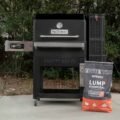

Fed 24″ 560 Charcoal BBQ Grills with Warming Racks, Grill Cover and Charcoal Pack – Masterbuilt MB20041020 (Discontinued))
2 Years Warranty
Fed 24″ 560
- DigitalFan
- GravityFed
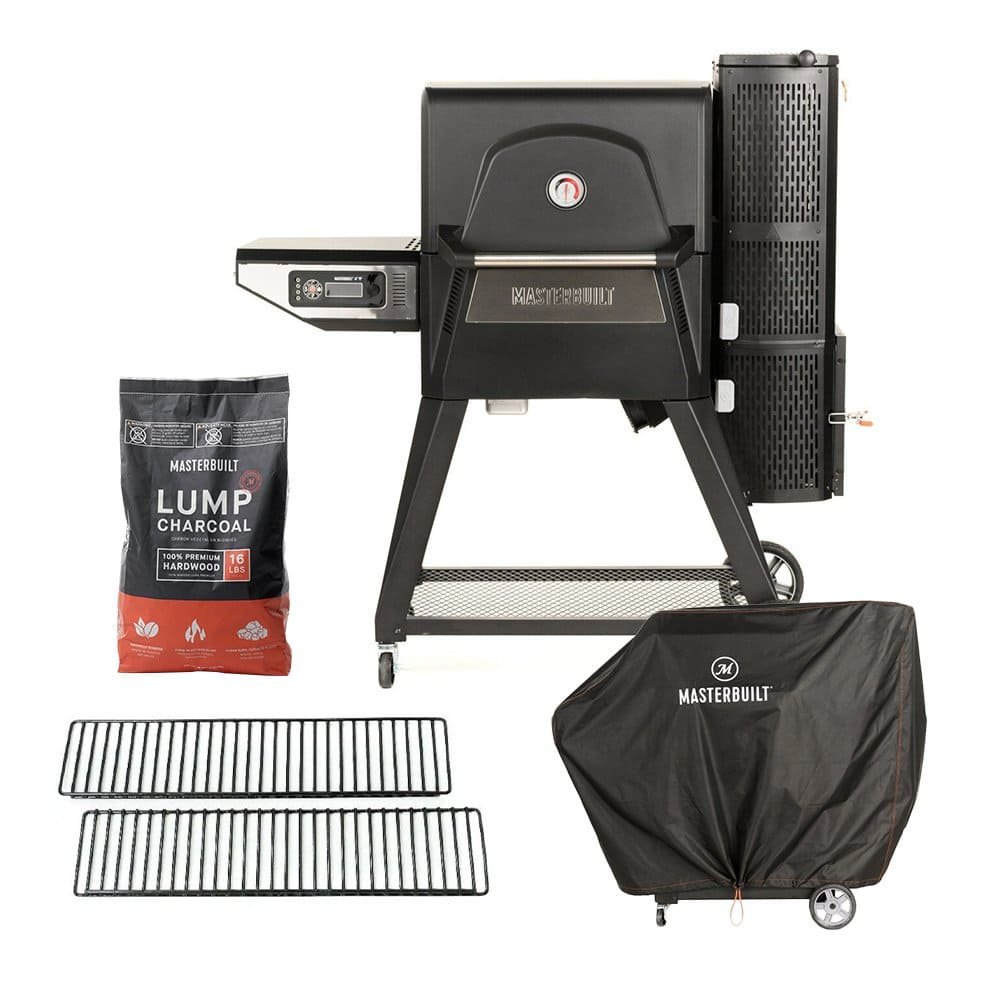
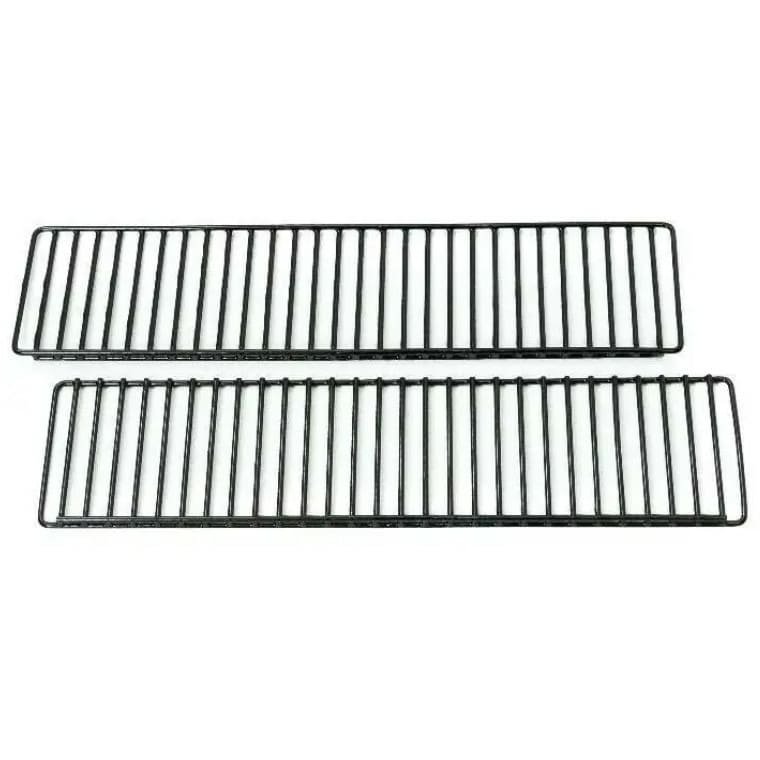
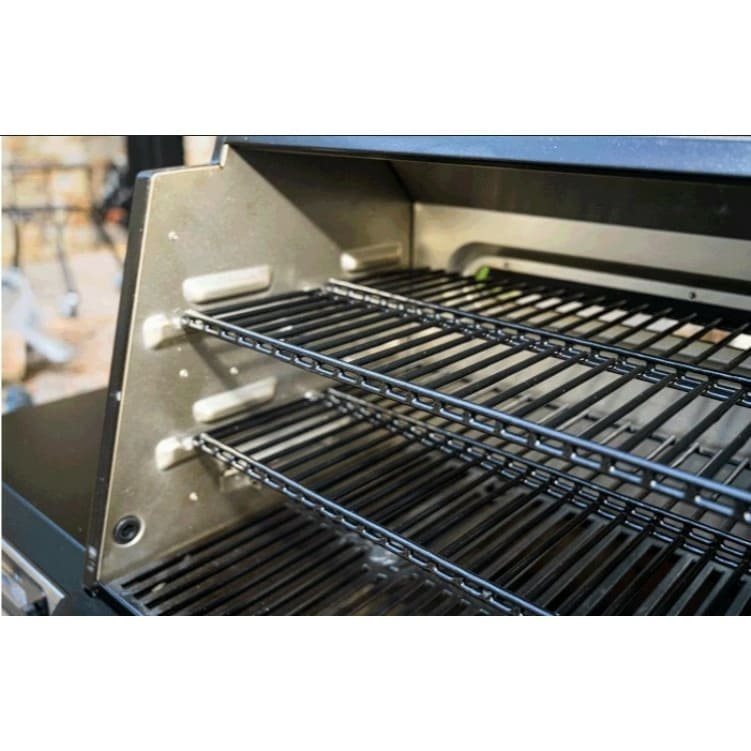
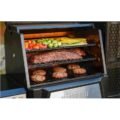
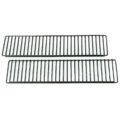
Warming Racks for 24″ Grill
- non-stick porcelain coating
- two warming racks
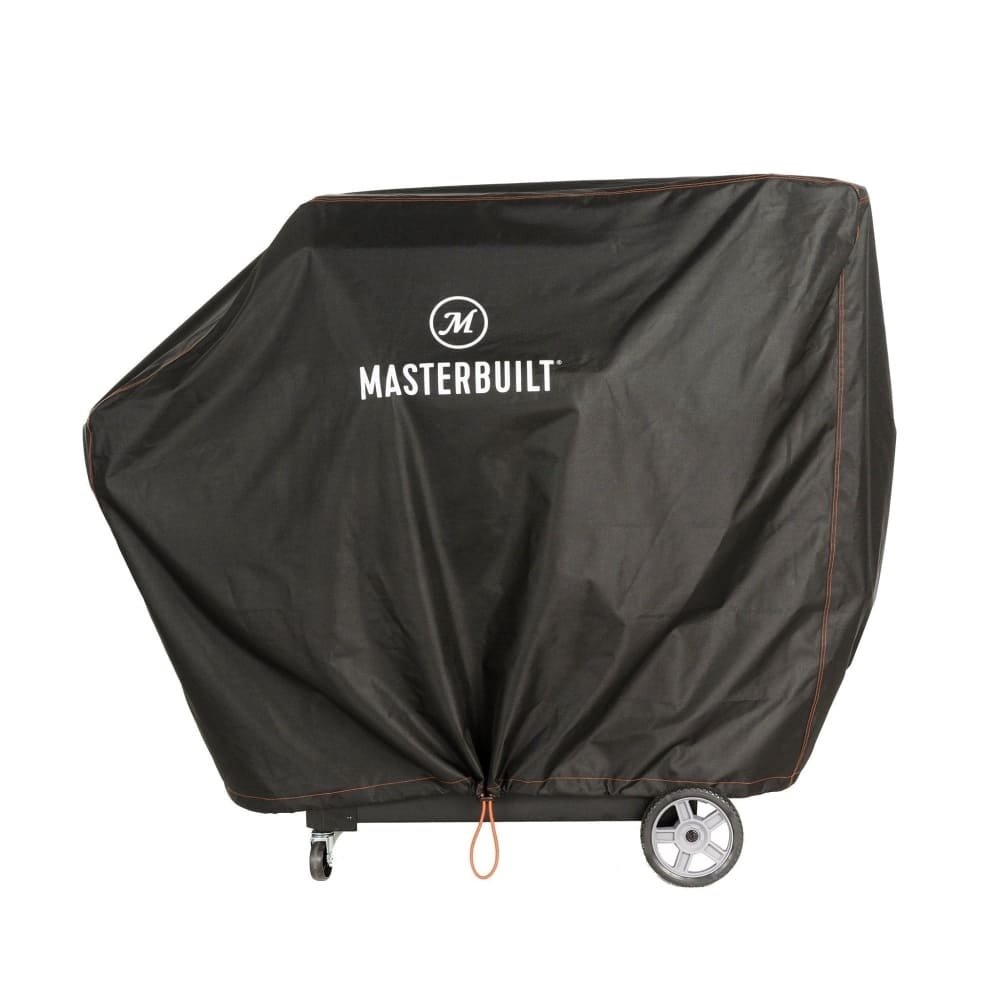
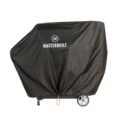
Grill Cover
- keeping your BBQ looking new and protected from the elements
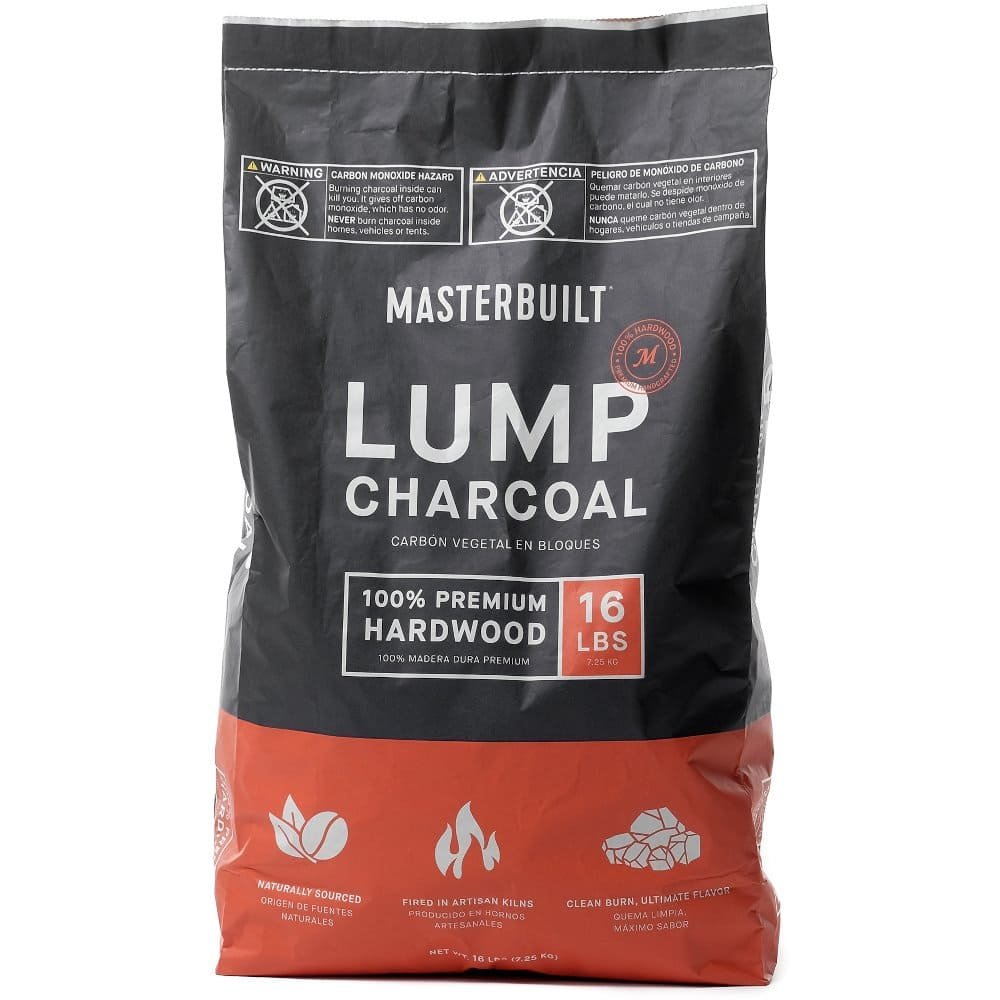
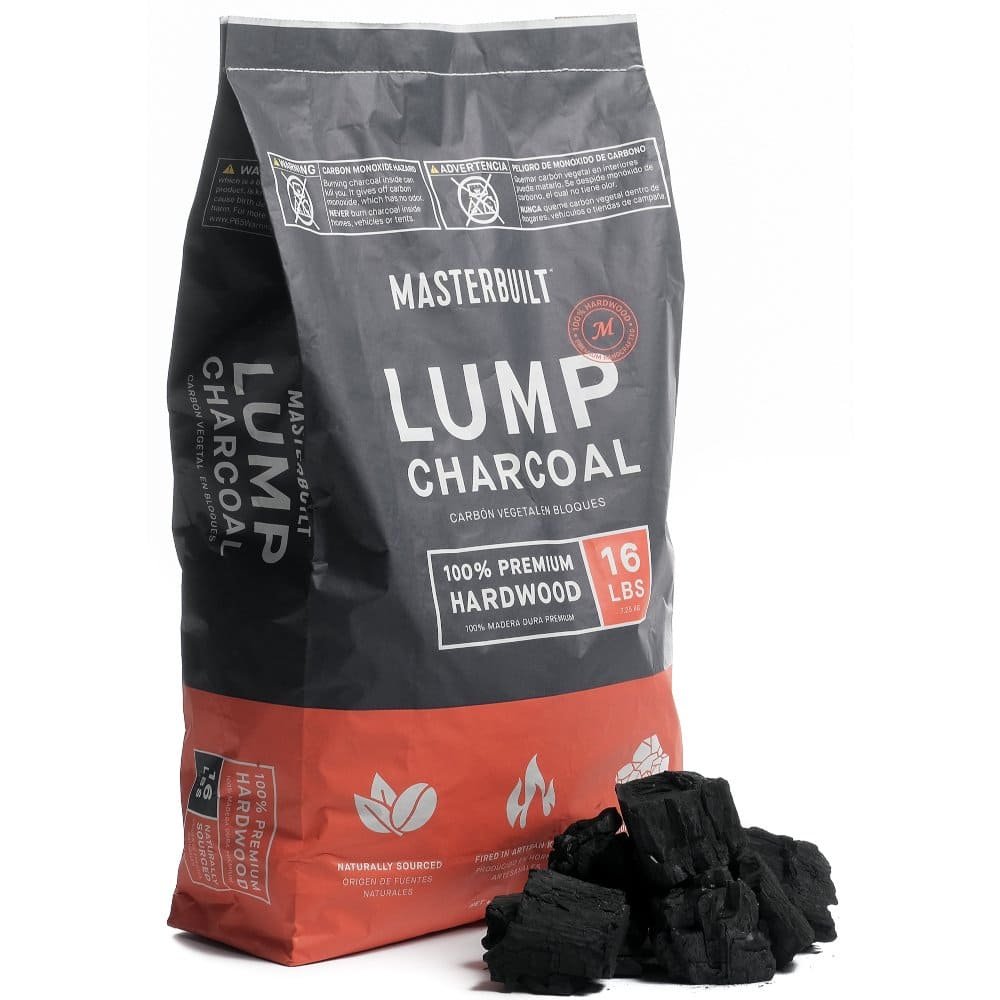
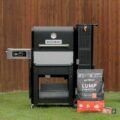
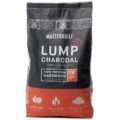
Charcoal 16 lbs 7,257kg
- fired in artisan style kilns
- Perfect hardwood blend
Dimensions (HxWxD) (cm) – 132.0 x 138.0 x 63.0
- Estimated Delivery : Up to 4 business days
- Free Shipping & Returns : On all orders over $200
Product Description
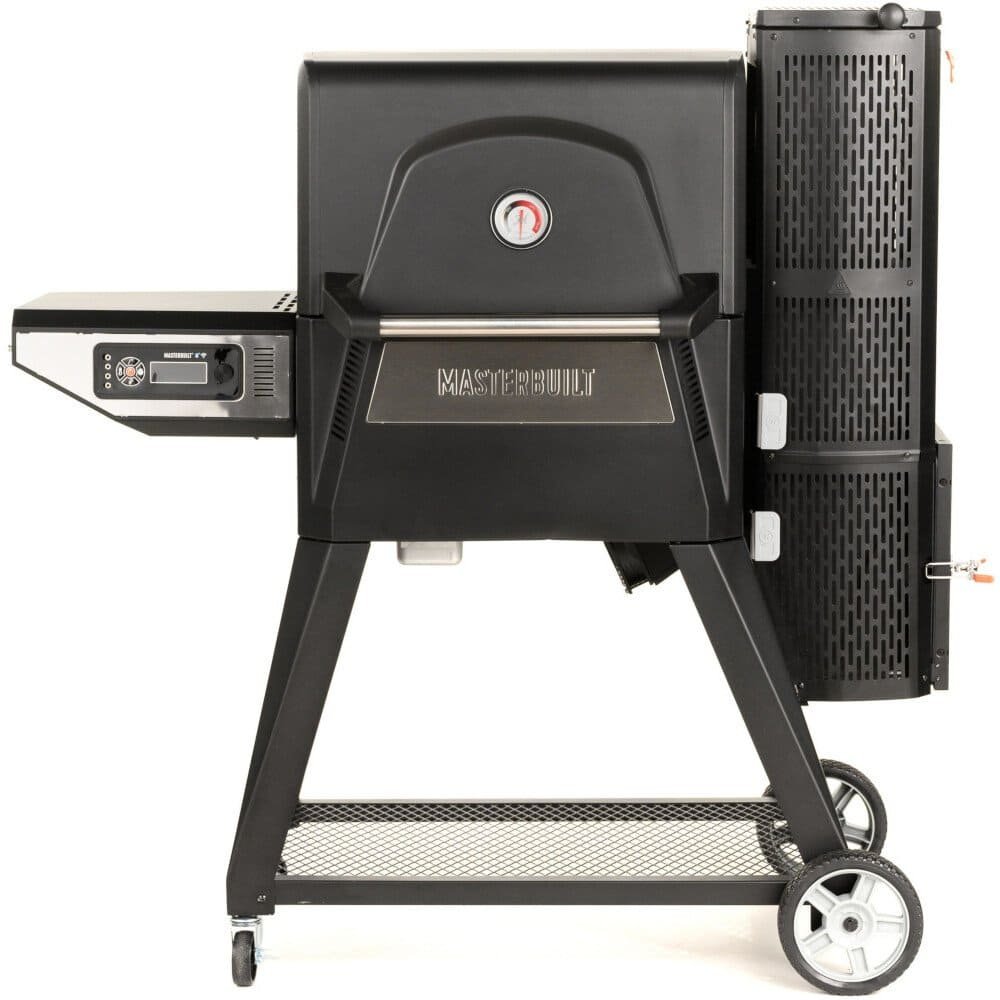
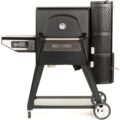
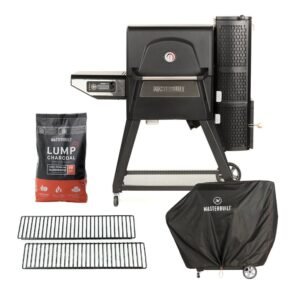
Fed 24″ 560 Charcoal BBQ Grills with Warming Racks, Grill Cover and Charcoal Pack – Masterbuilt MB20041020
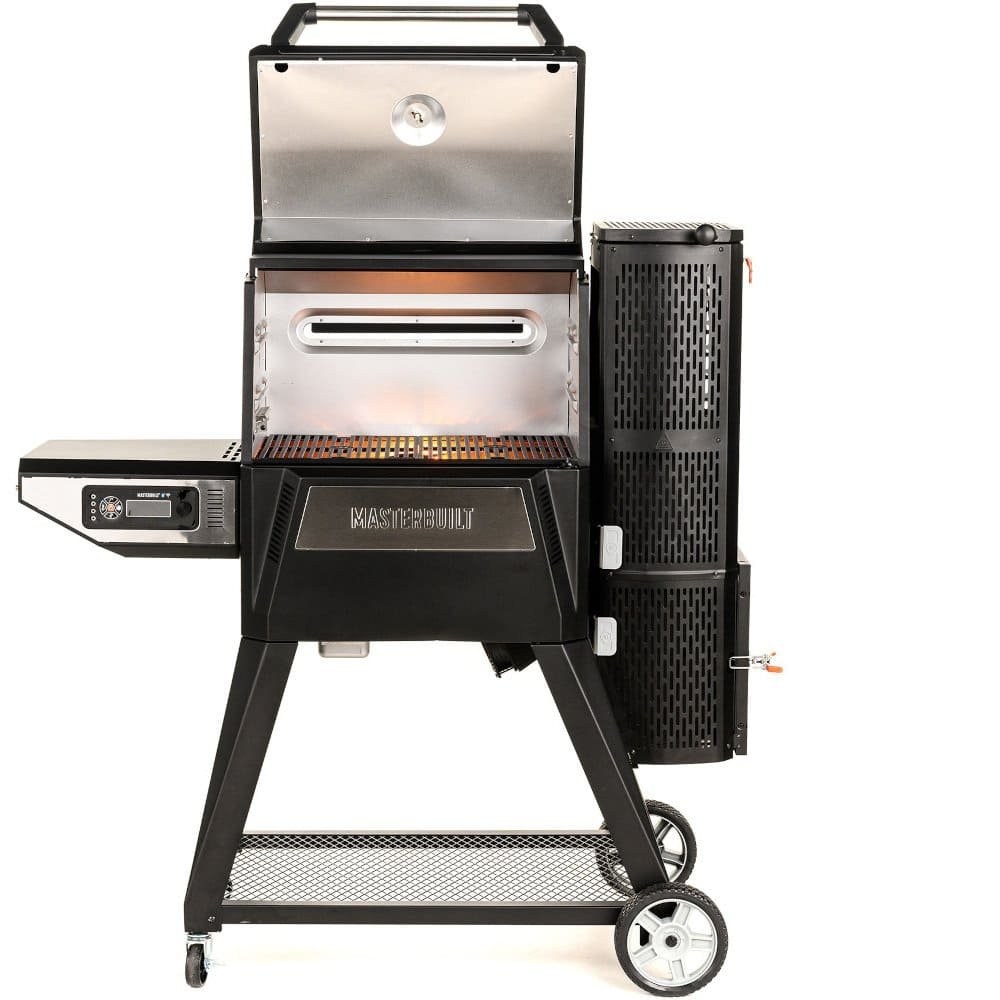
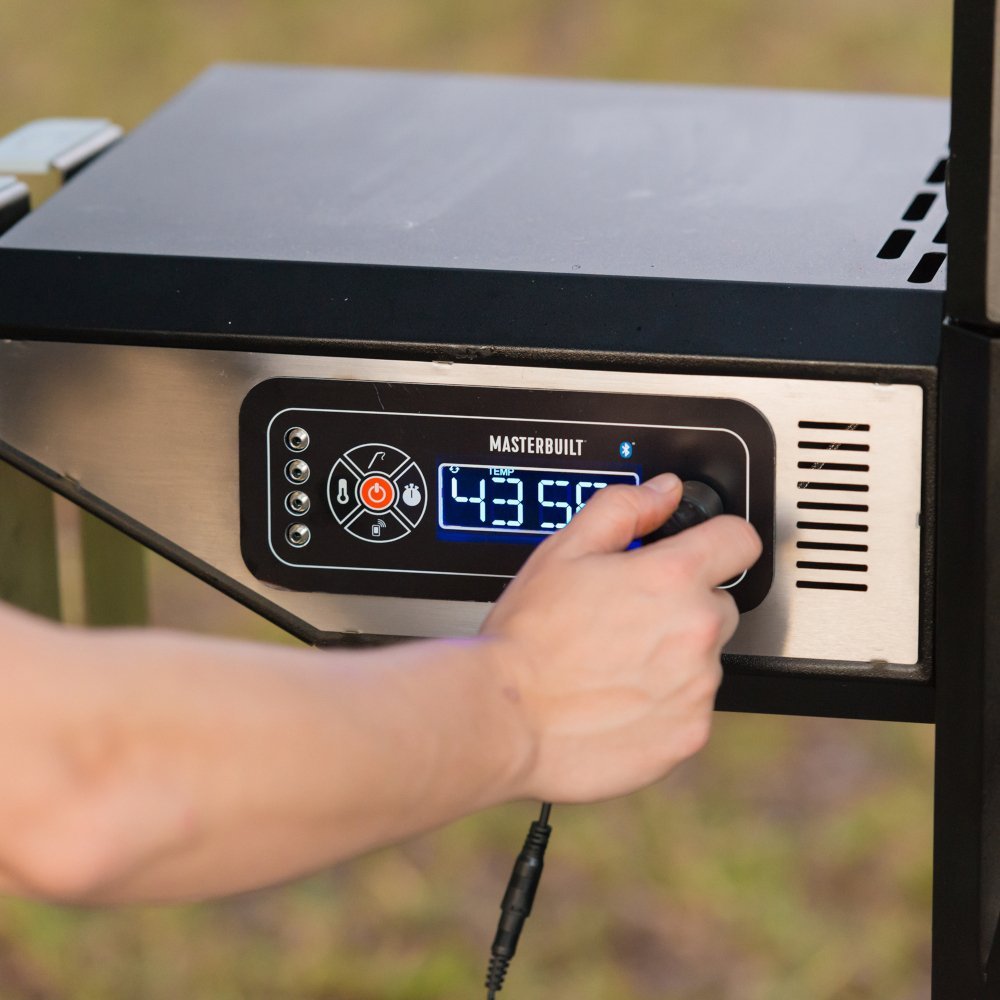
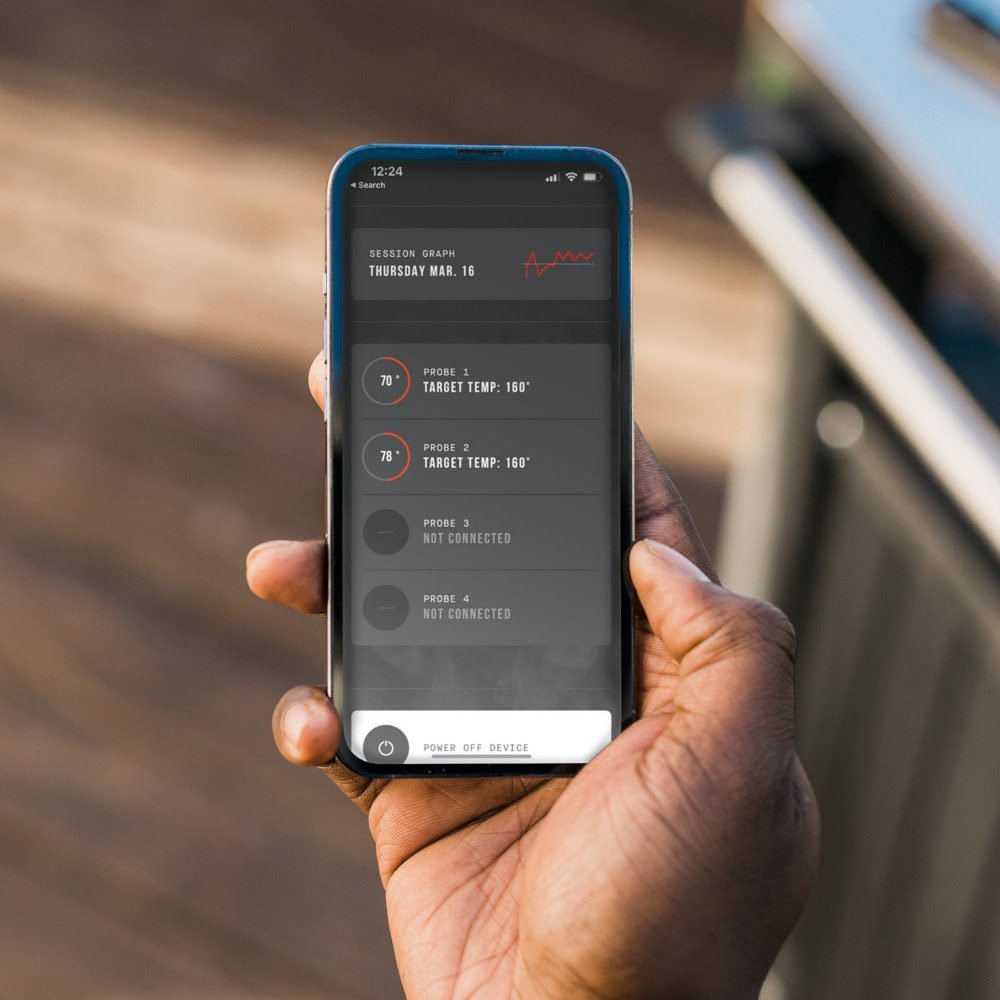
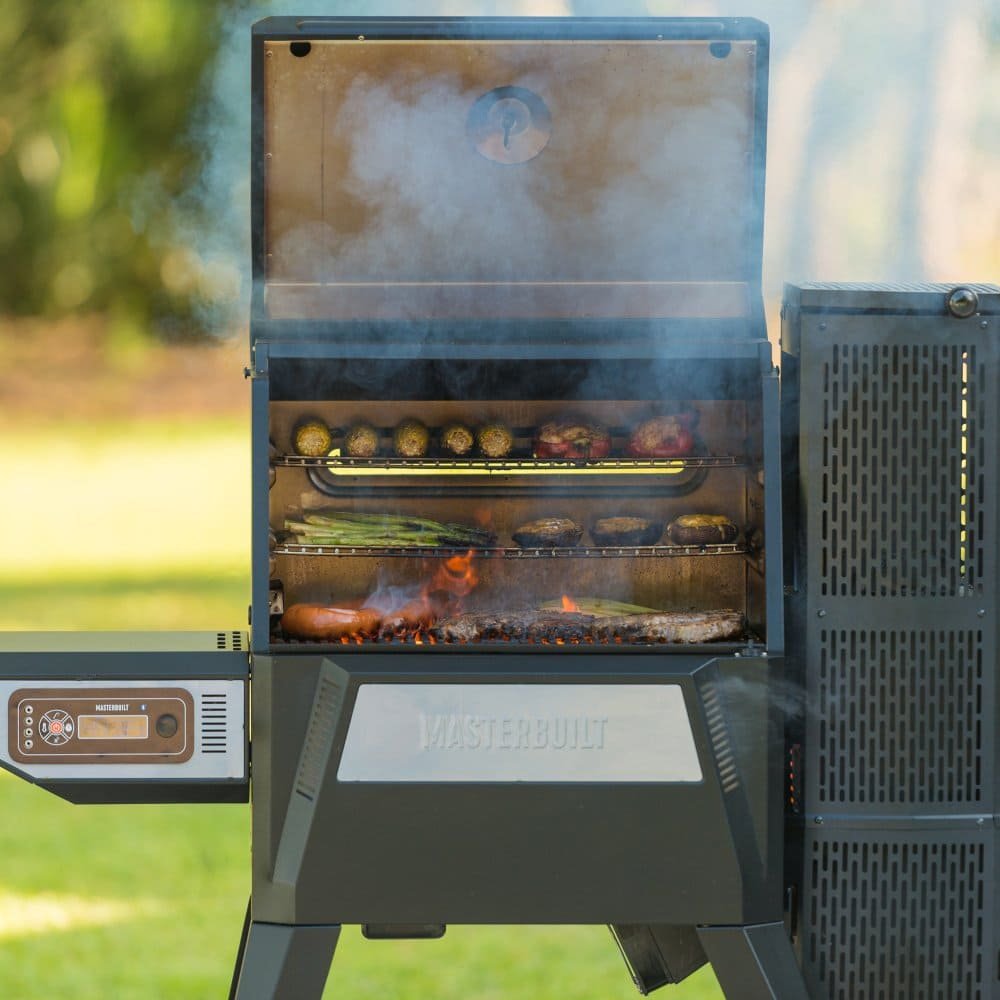
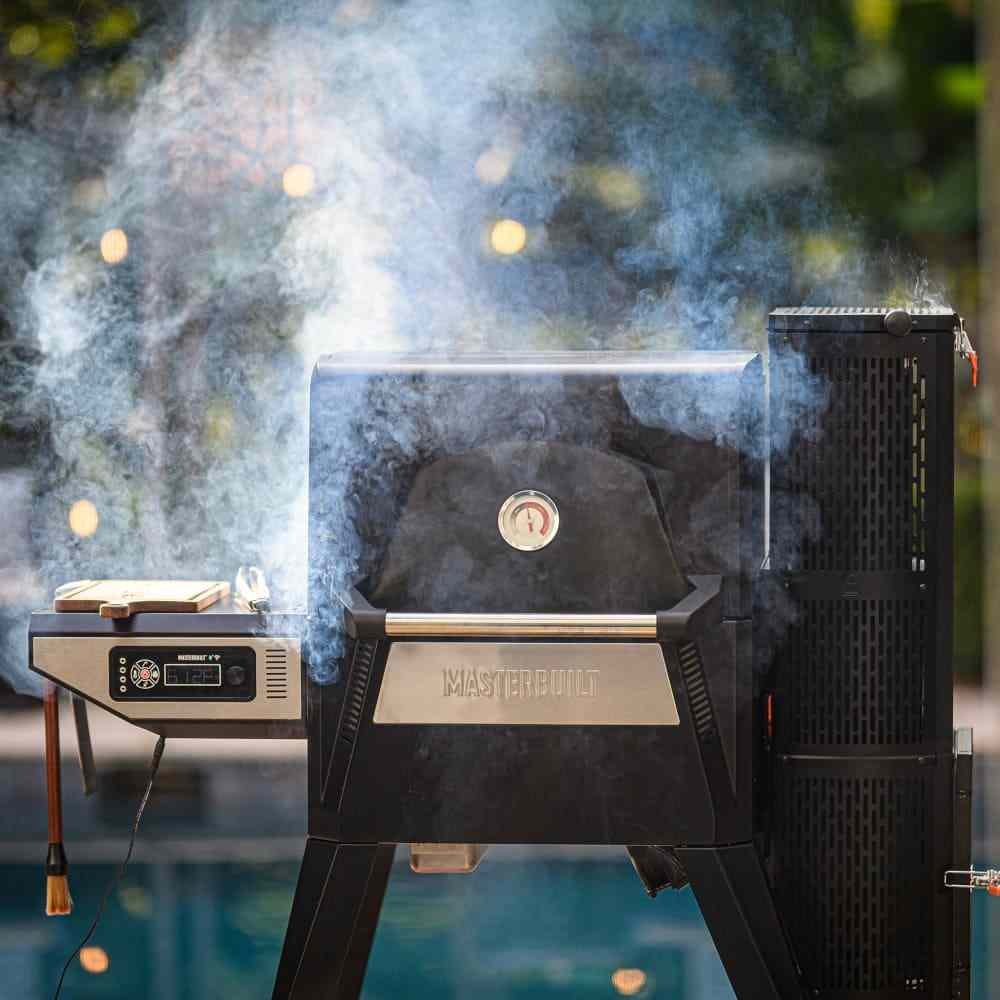
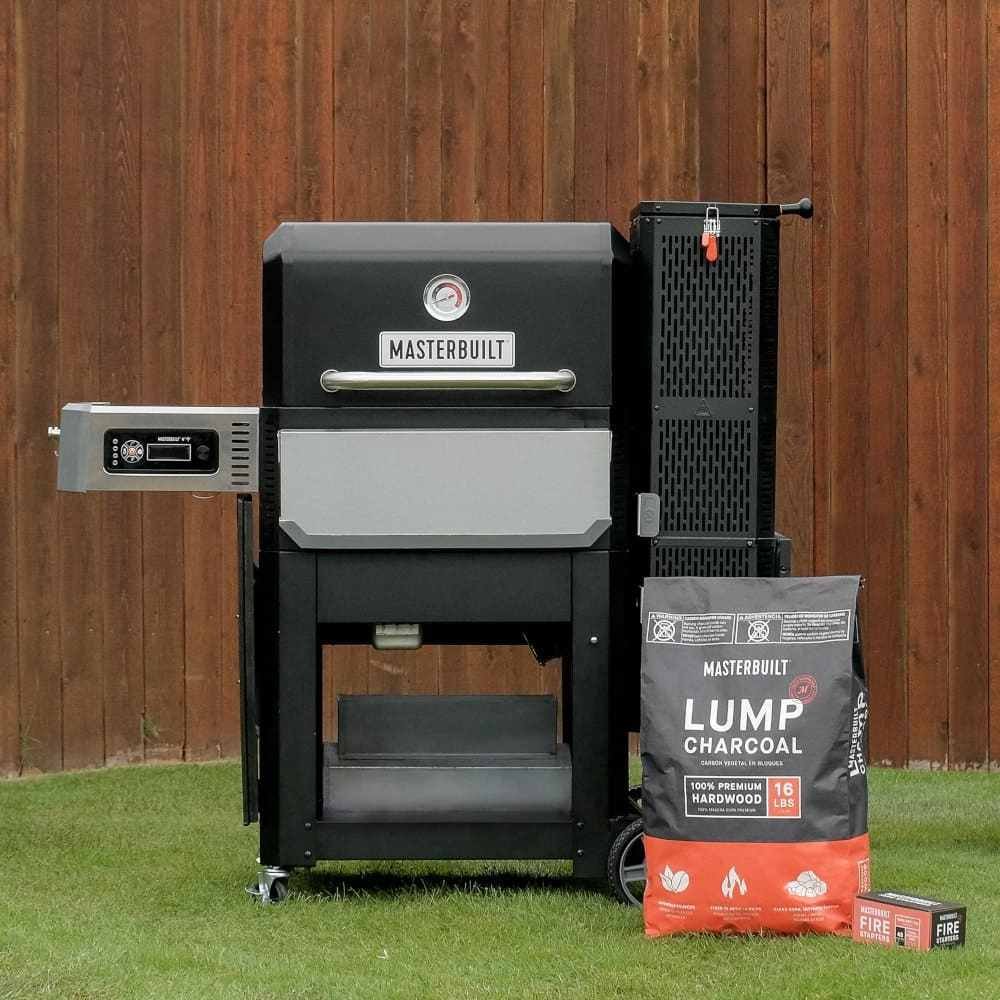
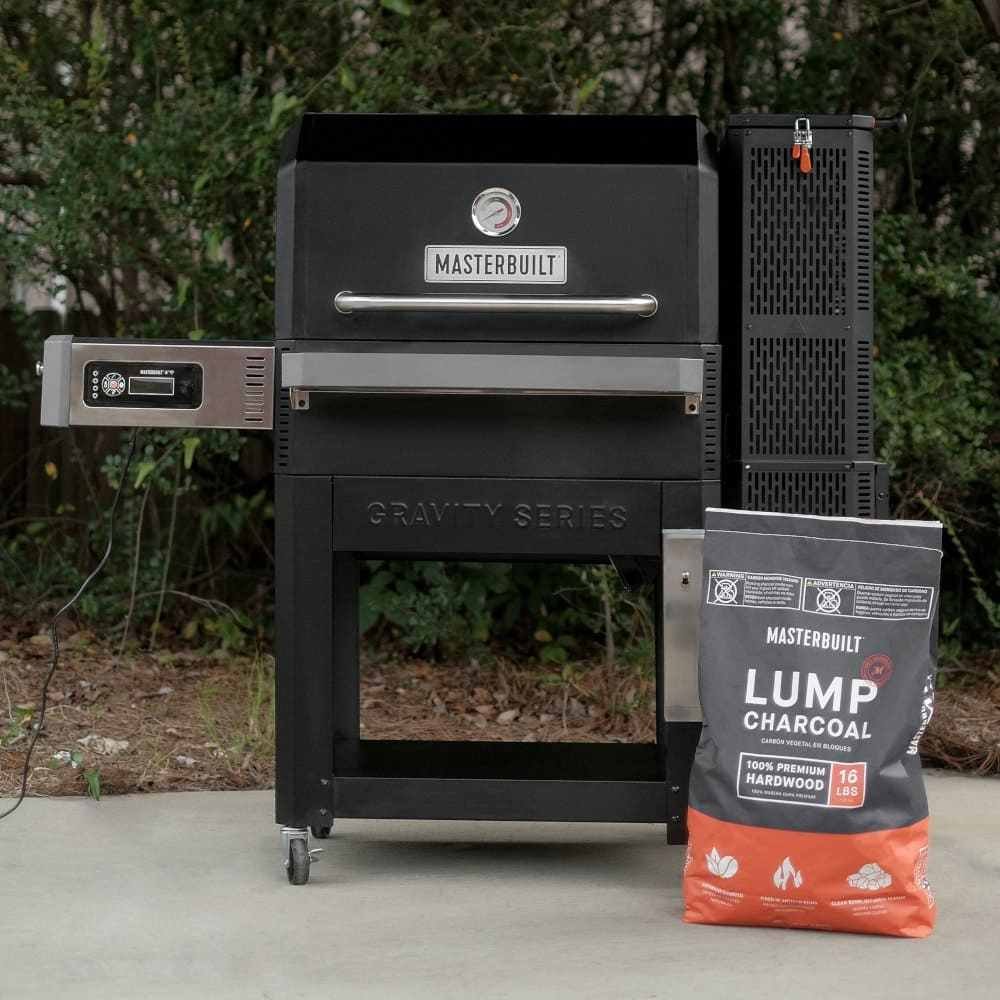
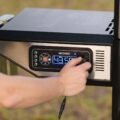
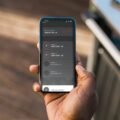
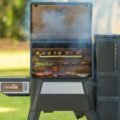
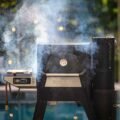
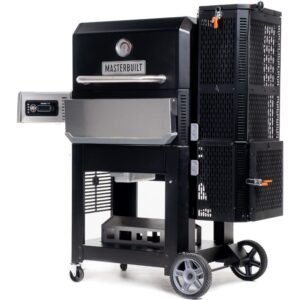
With the Gravity Series 560 Digital Charcoal BBQ Grills + Smoker by Masterbuilt, you can smoke, grill, sear, bake, roast and so much more. Set the temperature on the digital control panel or your smart device and the DigitalFan™ maintains the desired cooking temperature. The GravityFed™ charcoal hopper holds over 12 hours of charcoal and gravity ensures you have constant fuel to the fire. The reversible cast-iron grates are perfect for smoking or searing and in just 13 minutes this BBQ can reach 370°C. Get the flavour and versatility of charcoal with the ease of gas.
GravityFed Charcoal Hopper
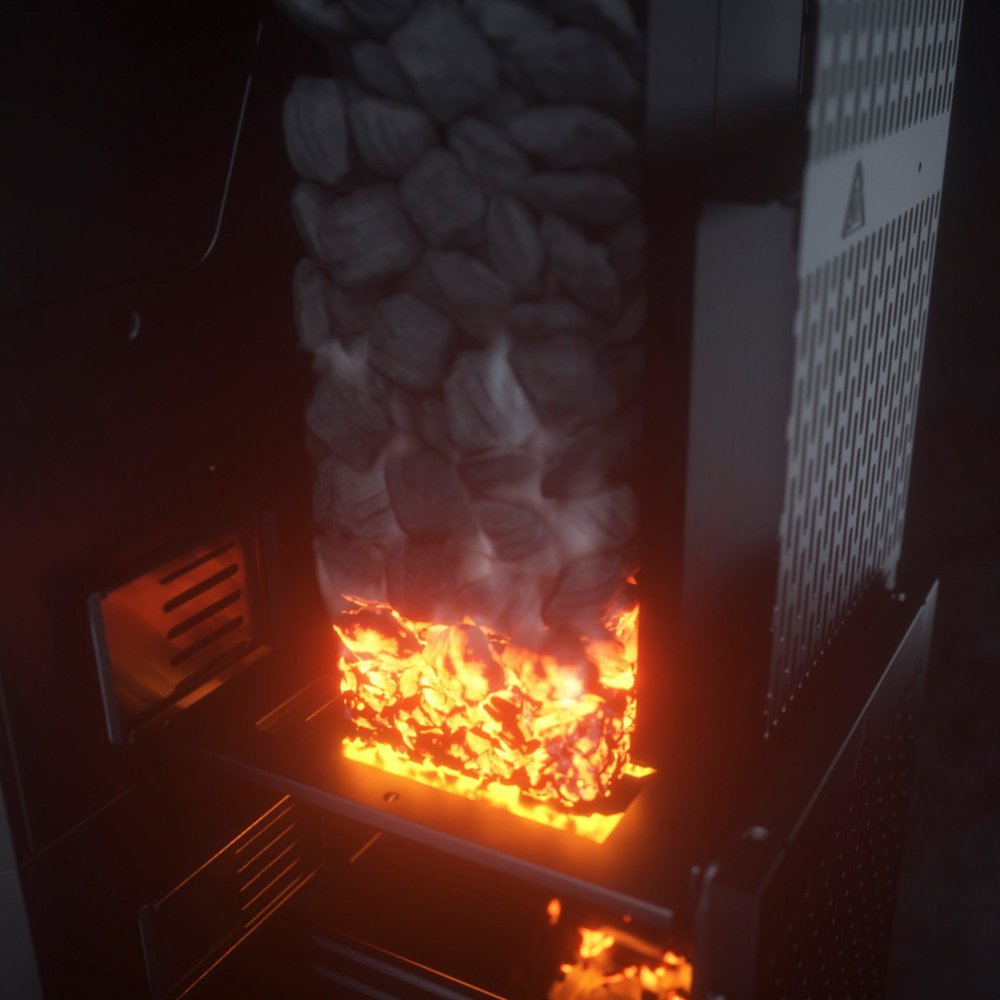
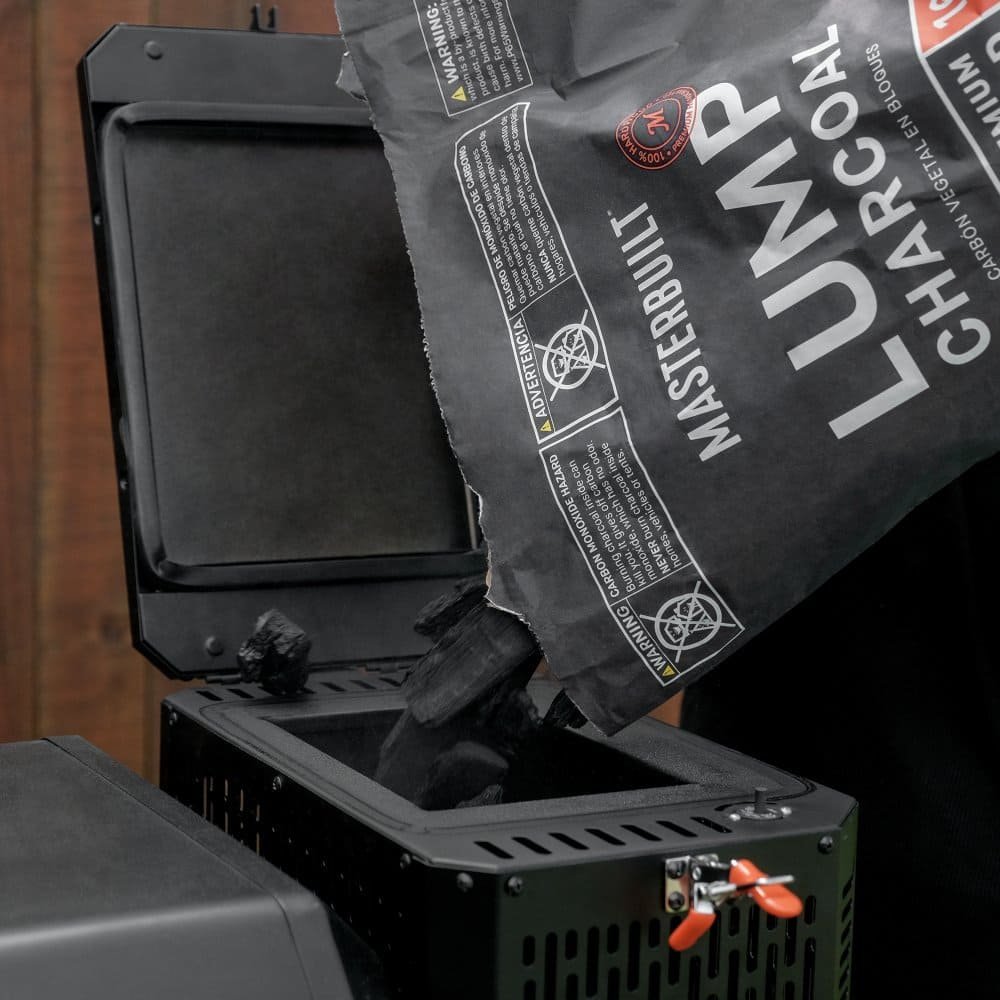
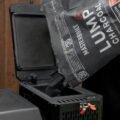
Redefine Charcoal BBQ Grills cooking with the GravityFed Hopper that holds 12+ hours of fuel using lumpwood or briquette charcoal. No need to remove charcoal after each use!
Gravity Fed 24″ 560
- Reaches 110°C in 7 minutes or 370°C in 13 minutes
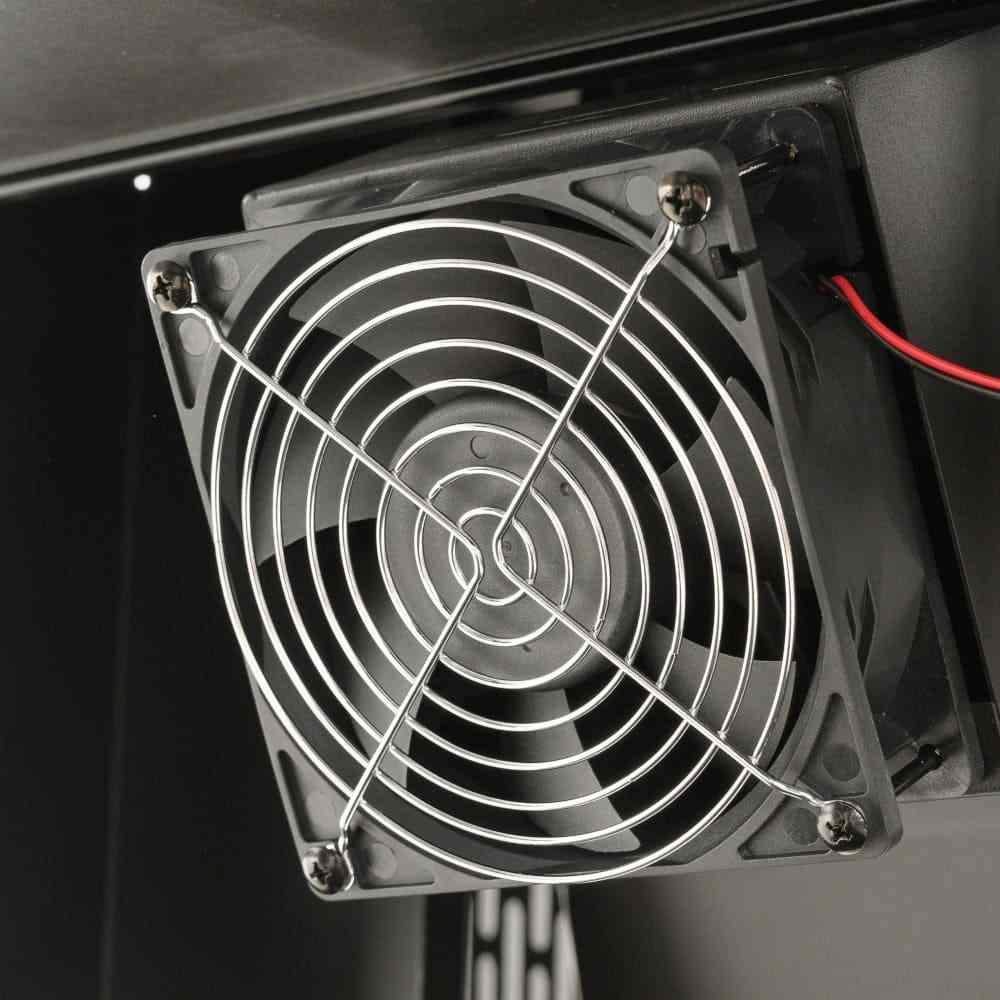
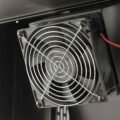
- DigitalFan™ for precise temperature control
- Built-in temperature gauge and meat probe thermometer for perfect results every time
- GravityFed™ hopper holds 4.5kg. of lumpwood charcoal or 7kg. of briquettes for up to 12-15 hours of use
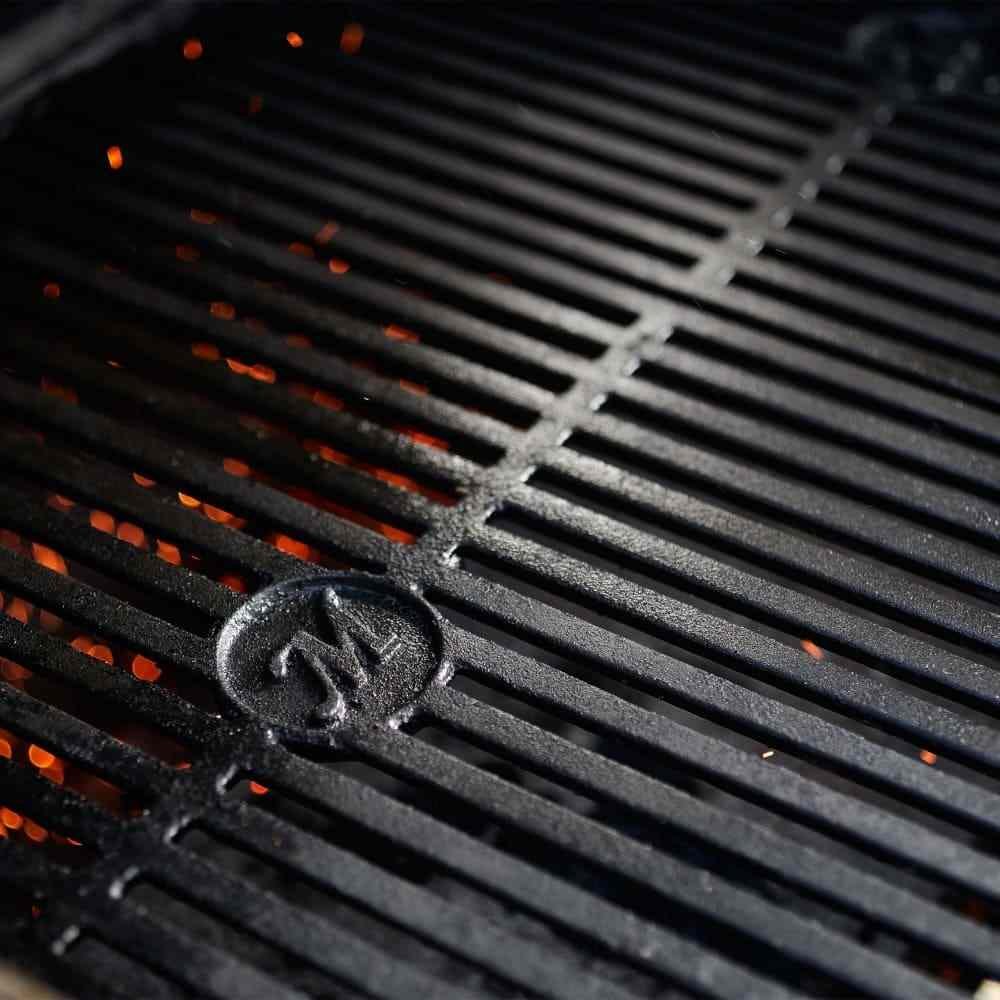
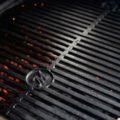
- Includes reversible smoke + sear cast-iron grates for low and slow smoking or high heat searing
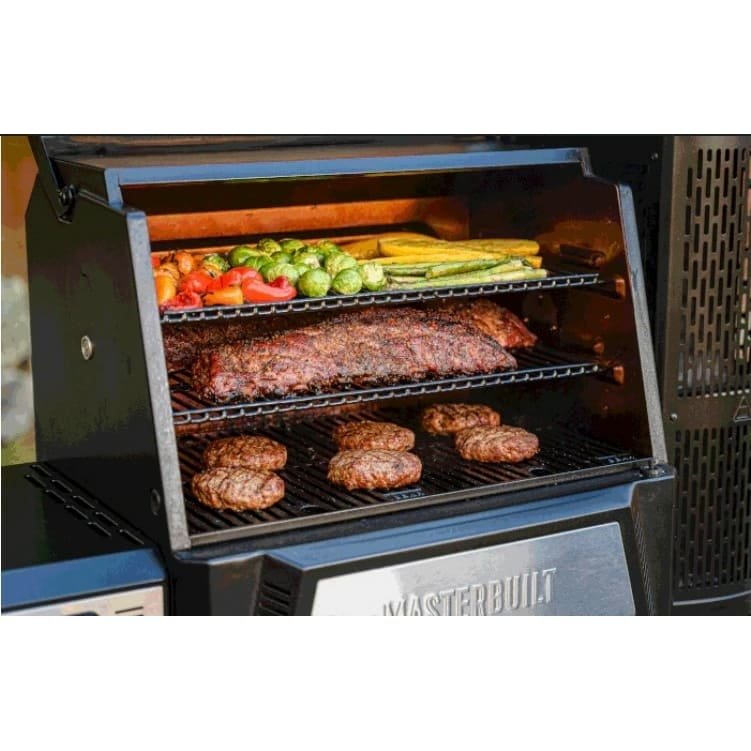
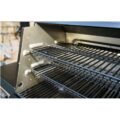
- Two porcelain-coated warming/smoking racks for 3600 total square centimeters of cooking space
Masterbuilt Gravity Series™ Warming Racks for 24″ Grill
- Durable, non-stick porcelain coating
- Adds 1550 square centimeters of cooking space
- Fits the Gravity Series 560 Digital Charcoal BBQ + Smoker
- Package consists of two warming racks
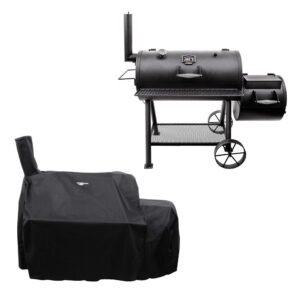
Gravity Series Grill Cover
- Compatible with the Gravity Series® 560 Digital Charcoal BBQ Grills + Smoker by Masterbuilt®
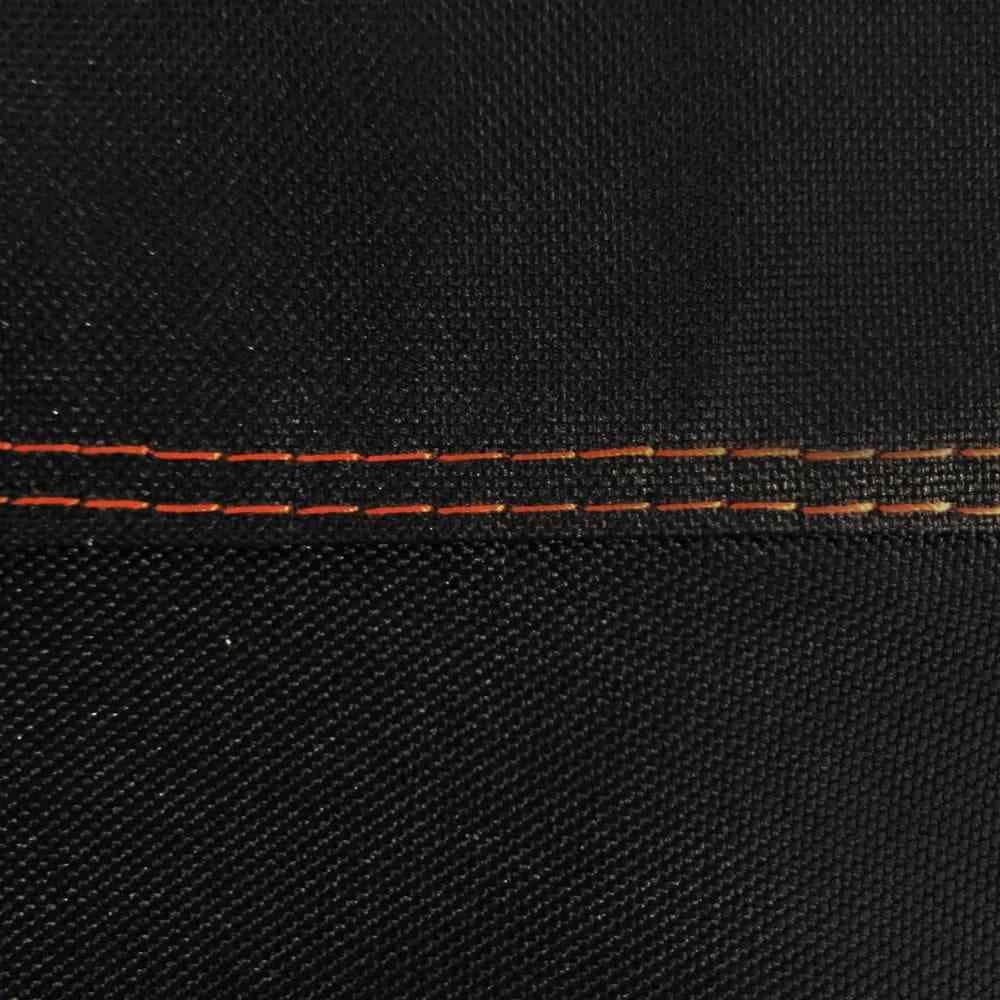
- Durable, double stitched seams to prevent leaking, keeping your BBQ looking new and protected from the elements
- Added interior PVC liner that prevents tearing when removing or putting the cover on the BBQ
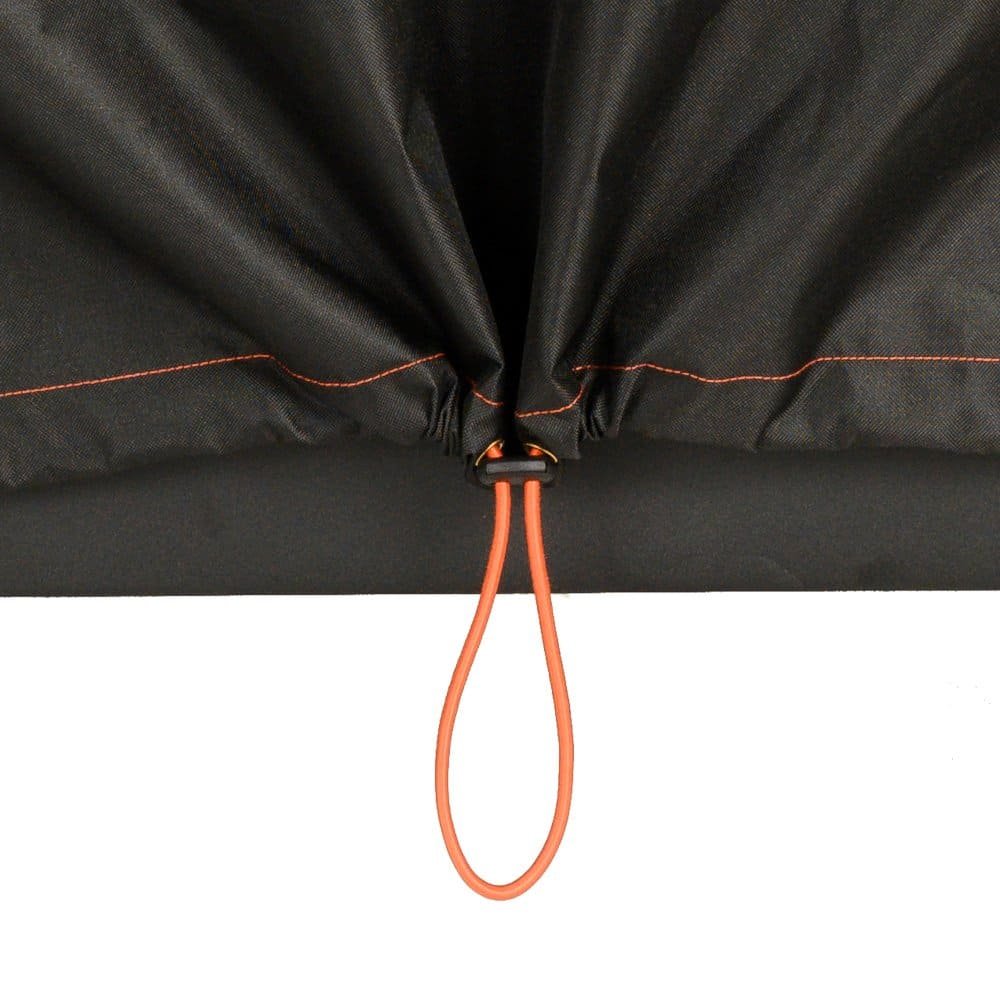
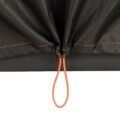
- UV additives that prevent fading of the cover and an adjustable draw string to keep in place when BBQ is covered
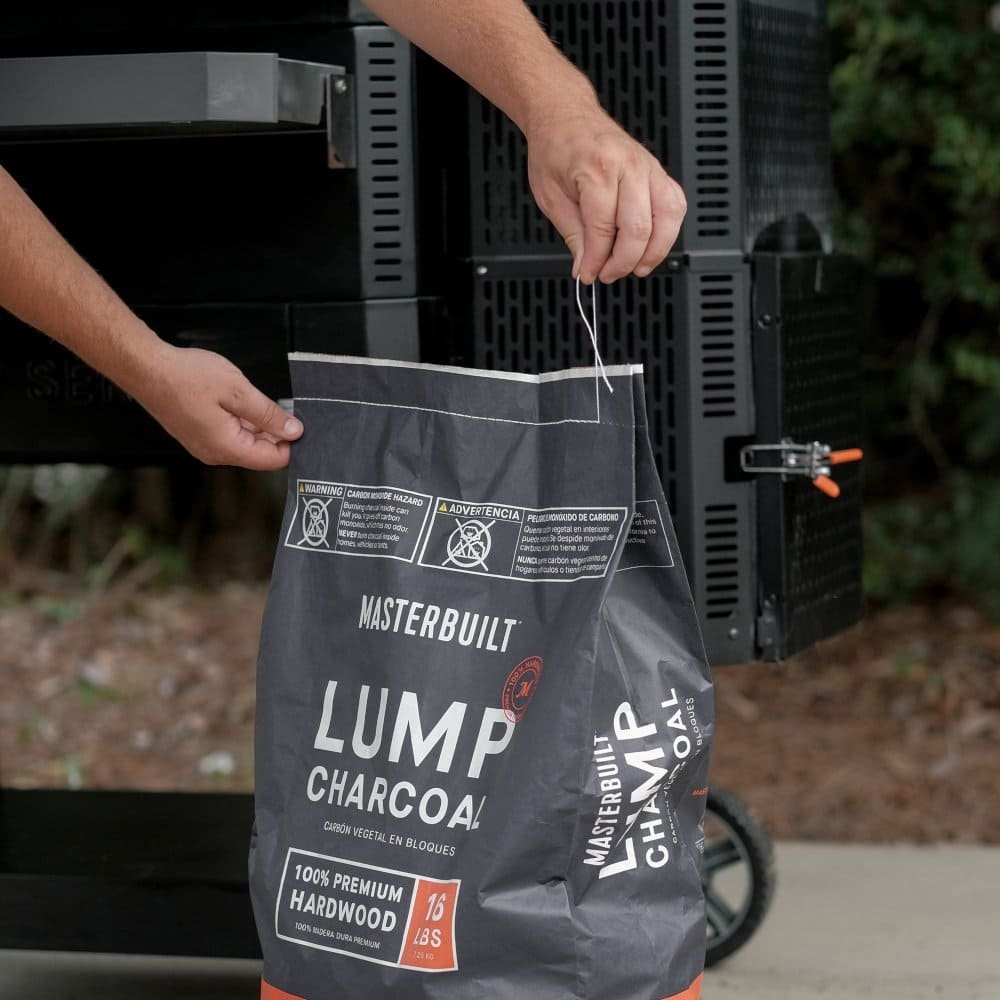
Charcoal 16 lbs 7,257kg
- 7 kg of 100% premium hardwood
- Naturally sourced and fired in artisan style kilns
- Ideal for Gravity Series® BBQs and other charcoal cooking products
- Perfect hardwood blend for all temperature ranges and food types
- Clean burn for optimal charcoal flavour and performance
- Warranty – 2 year Warranty
Warranty of this Fed 24″ 560 Charcoal BBQ Grills with Warming Racks, Grill Cover and Charcoal Pack – Masterbuilt MB20041020
This product boasts a 2 Years Warranty* to give you the reassurance you need when buying a new appliance.
Gravity Fed 24″ 560
Product:
| Type | Gravity Fed 24″ 560 |
| Brand | Masterbuilt |
| Model | MB20041020 |
| Components | MB20041020, MB20091420, MB20080220 |
| Also known as: | MASTPACK35 |
| EAN: | 0094428276543 |
Performance:
| Type | Barbecue |
| Heat source | Charcoal (fuel) |
| Adjustable thermostat | Yes |
| Hopper capacity | 7 kg |
| Temperature (max) | 370 °C |
| Cooking area | 3600 cm² |
Design:
| Form factor | Kettle |
| Top surface type | Grate |
| Lid | Yes |
| Product colour | Black |
| Cooking surface shape | Rectangular |
Weight & Dimensions:
| Width | 138.0 cm |
| Depth | 63.0 cm |
| Height | 132.0 cm |
Masterbuilt Gravity Series™ Warming Racks for 24″ Grill
Product:
| Type | Masterbuilt Gravity Series™ Warming Racks for 24″ Grill |
| Brand | Masterbuilt |
| Model | MB20091420 |
| Components | MB20041020, MB20091420, MB20080220 |
| Also known as: | MASTPACK35 |
| EAN: | 0094428276574 |
Features:
| Type | Rack |
| Product colour | Black |
| Compatibility | Gravity Series 560 Digital Charcoal BBQ + Smoker |
| Brand compatibility | Masterbuilt |
| Rounded edges | Yes |
| Shape | Rectangular |
| Non-stick coating | Yes |
Gravity Series Grill Cover
Product:
| Type | 24″ Gravity Series Grill Cover |
| Brand | Masterbuilt |
| Model | MB20080220 |
| Components | MB20041020, MB20091420, MB20080220 |
| Also known as: | MASTPACK35 |
| EAN: | 0094428276468 |
Features:
| Type | Cover |
| Product colour | Black |
| Material | PVC |
| Compatibility | Gravity Series 560 Digital Charcoal BBQ + Smoker |
Charcoal 16 lbs 7,257kg
Product:
| Type | MB Charcoal 16 lbs 7,257kg |
| Brand | Masterbuilt |
| Model | MB20091621 |
| Components | MB20041020, MB20091420, MB20080220, MB20091621 |
| Also known as: | MASTPACK36 |
| EAN: | 0094428276901 |
Features:
| Product type | Lump charcoal |
| Weight | 7 kg |
| Number of products included | 1 pc(s) |
| Wood fiber type | Hardwood |
| Package type | Bag |
BBQ Without Cover
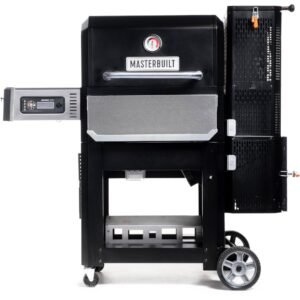
Gravity Series 560 Digital Charcoal BBQ Grills, Black – Masterbuilt MB20041020
Another Models Of Charcoal BBQ Grills
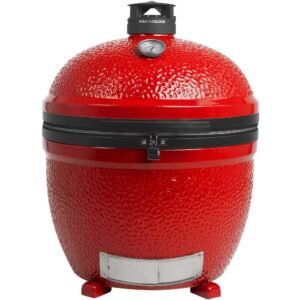
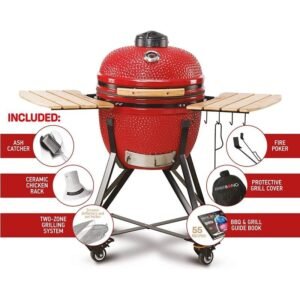
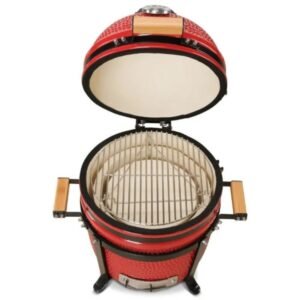
- Ceramic Charcoal BBQ Grills Kettle Joe, Red – Kamado Joe KJ15040320
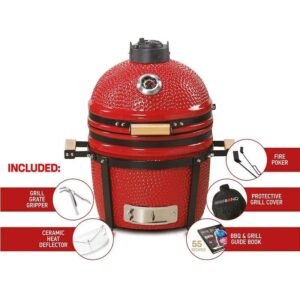
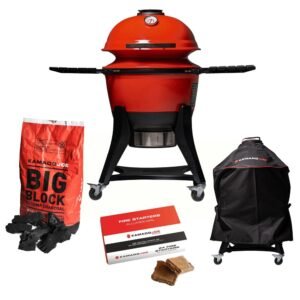
- Red Charcoal BBQ Grills, Cover, Fire Starters & Accessories Pack – Kamado Joe
- Red Charcoal BBQ Grills, Cover & Fire Starters Pack – Kamado Joe
*Warranty subject to terms and conditions and Online Registration within 30 days of purchase.
| Dimensions | 63.0 × 138.0 × 132.0 cm |
|---|
32 reviews for Fed 24″ 560 Charcoal BBQ Grills with Warming Racks, Grill Cover and Charcoal Pack – Masterbuilt MB20041020 (Discontinued))
Related products
-
Highland Smoker Charcoal BBQ Grills and Cover Pack, Black – Char-Broil
Original price was: £619.99.£459.99Current price is: £459.99. -
Big Joe 2 Charcoal BBQ Grills, Stand-Alone, Red – Kamado Joe BJ24NRHC
Original price was: £2,099.£1,582.49Current price is: £1,582.49. -
52cm Media 20 Charcoal BBQ Grills, Red – Kamado Bono TQ0020RED
Original price was: £949.99.£665.49Current price is: £665.49. -
Gravity 800 Charcoal BBQ Grills, Griddle, Black – Masterbuilt MB20042221 (Discontinued)
Original price was: £1,049.99.£748.99Current price is: £748.99. -
40cm Minimo 15″ Charcoal BBQ Grills, Red – Kamado Bono TQ0015RED
Original price was: £850.74.£357.50Current price is: £357.50. -
Red Charcoal BBQ Grills, Cover, Fire Starters & Accessories Pack – Kamado Joe
Original price was: £679.99.£474.99Current price is: £474.99.




Jools –
Works great
Used this over the last few months and it’s a great way to bbq
Gary T –
Hard to start but awesome when its going
Best cover and grill I have ever owned.
Bar –
Good quality
Looks like it should last
byron lopez –
Perfect
This is the best cover you can get, heavy duty and fit perfect
Bandit24 –
Fit great
I live in a area where wind and hail is a issue works great no damage or issues
amazon fan –
Quality grill cover
This is a perfect fit for the 800 series. The cover is as good quality.
Matt L –
Good for Masterbuilt smoker
Fits perfectly on the Masterbuilt smoker, made from good quality material
Timothy M. Verity –
Great Looking grill cover!
I was going to sew my own cover for my new Masterbuilt smoker but when I saw this one I decided to give it a look over. It is heavy duty,
Steve-O-Mite –
looks great!
A must-have for this grill. Looks great, sturdy and fits perfectly.
David Shaw –
Perfect
I bought this to protect my masterbuilt smoker, fits really snug and made of quality materials.
Chris –
Excellent quality very quick delivery!
Jaime –
Excellent quality
Love the quality of this which is awesome
King of Shoppers –
Highly recommended
Excellent quality fit my grill like a glove
G1 –
Great Price
It protects the grill against elements like rain. Good price compare to stores.
AVanno –
Works great!
Brand new, but I like the quality and it fits well. May update after a year to try know the durability.
Daniel Turpin –
Great product
Very nice heavy duty product that fits perfectly.
This work’s wonderful –
Good product
Awesome for the price
Matthew teague –
Grill cover
Fit and quality are great. Excellent cover!!
Everett –
Fits perfect!
Important upgrade in order to keep all the electronics dry. Seems to be high quality.
Timothy Mock –
Awesome Price
Great quality product, works great, nice fit
Создать учетную запись Binance –
Как создать аккаунт на Binance
Binance — одна из крупнейших и самых надежных криптовалютных бирж в мире. Независимо от того, являетесь ли вы новичком в криптотрейдинге или опытным инвестором, создание аккаунта на Binance — это просто и быстро. Следуйте этому пошаговому руководству, чтобы настроить свой аккаунт и начать торговать.
Шаг 1: Перейдите на сайт Binance
Откройте браузер и посетите официальный сайт Binance.
Убедитесь, что вы находитесь на правильном сайте, чтобы избежать фишинговых атак. Проверьте наличие значка замка рядом с URL, чтобы убедиться в безопасности.
Шаг 2: Зарегистрируйтесь для создания нового аккаунта
На главной странице нажмите на кнопку “Регистрация” в правом верхнем углу.
Выберите, хотите ли вы зарегистрироваться, используя электронную почту или номер телефона, чтобы создать аккаунт Binance.
Шаг 3: Заполните регистрационную информацию
Введите свою электронную почту или номер телефона.
Создайте надежный пароль для своего аккаунта, используя сочетание букв, цифр и символов.
Примите Условия использования Binance, поставив галочку.
Нажмите кнопку “Создать аккаунт”, чтобы продолжить.
Шаг 4: Пройдите проверку безопасности
Binance предложит вам выполнить защитный пазл, чтобы подтвердить, что вы не робот. Перетащите элемент пазла на нужное место.
Если вы зарегистрировались с электронной почтой, Binance отправит код подтверждения на вашу почту. Введите этот код на сайте Binance.
Шаг 5: Включите двухфакторную аутентификацию (необязательно, но рекомендуется)
Для дополнительной безопасности Binance рекомендует включить двухфакторную аутентификацию (2FA).
Вы можете выбрать Google Authenticator или SMS-аутентификацию для этой цели.
Чтобы настроить 2FA, следуйте инструкциям для связывания своего аккаунта Binance с приложением Google Authenticator или номером телефона.
Шаг 6: Подтвердите свою личность (KYC)
В зависимости от вашей страны и суммы, которую вы планируете торговать, Binance может потребовать пройти проверку личности (KYC).
Для прохождения KYC вам потребуется предоставить личную информацию, такую как:
Полное имя
Адрес
Удостоверение личности, выданное государством (паспорт, водительское удостоверение или национальный ID)
Загрузите необходимые документы и следуйте инструкциям на экране.
Binance проверит ваши данные, и процесс проверки обычно занимает от нескольких минут до нескольких часов.
Шаг 7: Пополните счет и начните торговать
После настройки и проверки аккаунта вы можете пополнить счет.
Перейдите в раздел “Кошелек” и выберите “Пополнение”.
Вы можете пополнить счет фиатной валютой (USD, EUR и др.) через банковский перевод или кредитную карту, или можете сразу внести криптовалюту, если она у вас уже есть.
После пополнения счета вы можете начать торговать на платформе Binance!
Заключение
Создание аккаунта на Binance — это быстро и легко, особенно если вы следуете приведенным выше шагам. С использованием таких мер безопасности, как двухфакторная аутентификация и проверка личности, вы можете торговать с уверенностью на одной из крупнейших криптовалютных бирж в мире.
Удачной торговли!
How to Register an Account on Binance –
Thanks for this very informative article! For anyone looking for a detailed step-by-step guide on creating a Binance account, here’s a helpful resource I found: How to Register an Account on Binance. Hope it’s useful!
إنشاء حساب بينانس –
كيفية إنشاء حساب على Binance
بينانس هي واحدة من أكبر وأوثق منصات تداول العملات الرقمية في العالم. سواء كنت جديدًا في تداول العملات الرقمية أو مستثمرًا متمرسًا، فإن إنشاء حساب على بينانس بسيط وسريع. اتبع هذا الدليل خطوة بخطوة لإعداد حسابك والبدء في التداول.
الخطوة 1: زيارة موقع بينانس
افتح متصفحك وقم بزيارة الموقع الرسمي لبينانس.
تأكد من أنك في الموقع الصحيح لتجنب هجمات التصيد. ابحث عن رمز القفل بجوار عنوان URL للتأكد من أنه آمن.
الخطوة 2: التسجيل للحصول على حساب جديد
على الصفحة الرئيسية، انقر فوق زر “التسجيل” في الزاوية العلوية اليمنى.
اختر ما إذا كنت ترغب في التسجيل باستخدام عنوان بريدك الإلكتروني أو رقم هاتفك لـإنشاء حساب بينانس الخاص بك.
الخطوة 3: إدخال معلومات التسجيل
أدخل بريدك الإلكتروني أو رقم هاتفك.
أنشئ كلمة مرور قوية لحسابك. يجب أن تكون مزيجًا من الأحرف والأرقام والرموز.
وافق على شروط خدمة بينانس عن طريق تحديد المربع.
انقر فوق “إنشاء حساب” للمتابعة.
الخطوة 4: إكمال التحقق الأمني
سيطلب منك بينانس إكمال لغز أمني للتأكد من أنك لست روبوتًا. اسحب القطعة إلى مكانها الصحيح.
إذا سجلت باستخدام البريد الإلكتروني، سيرسل بينانس رمز التحقق إلى بريدك الإلكتروني. أدخل هذا الرمز على موقع بينانس.
الخطوة 5: تمكين المصادقة الثنائية (اختياري ولكن موصى به)
للحصول على مزيد من الأمان، تشجع بينانس المستخدمين على تفعيل المصادقة الثنائية (2FA).
يمكنك اختيار تفعيل إما تطبيق Google Authenticator أو المصادقة عبر الرسائل النصية.
لإعداد المصادقة الثنائية، اتبع التعليمات لربط حساب بينانس الخاص بك بتطبيق Google Authenticator أو رقم هاتفك.
الخطوة 6: التحقق من هويتك (KYC)
بناءً على بلدك والمبلغ الذي تنوي تداوله، قد يتطلب بينانس التحقق من هويتك (KYC).
لإكمال التحقق، ستحتاج إلى تقديم معلومات شخصية مثل:
الاسم الكامل
العنوان
بطاقة هوية حكومية (جواز سفر، رخصة قيادة، أو بطاقة هوية وطنية)
قم بتحميل المستندات اللازمة واتبع التعليمات على الشاشة.
سيقوم بينانس بمراجعة المعلومات، وعادةً ما تستغرق عملية التحقق من بضع دقائق إلى عدة ساعات.
الخطوة 7: إيداع الأموال وبدء التداول
بمجرد إعداد حسابك والتحقق منه، يمكنك إيداع الأموال.
انتقل إلى قسم “المحفظة” واختر “إيداع”.
يمكنك الإيداع باستخدام العملات الورقية (مثل الدولار الأمريكي أو اليورو) عبر التحويل المصرفي أو بطاقة الائتمان، أو يمكنك الإيداع مباشرةً بالعملات الرقمية إذا كنت تمتلكها بالفعل.
بعد تمويل حسابك، يمكنك البدء في التداول على منصة بينانس!
الخاتمة
إنشاء حساب بينانس سريع وسهل، خاصةً إذا اتبعت الخطوات الموضحة أعلاه. مع إجراءات الأمان المناسبة مثل المصادقة الثنائية (2FA) والتحقق من الهوية (KYC)، يمكنك التداول بثقة على واحدة من أكبر منصات تداول العملات الرقمية في العالم.
تداول موفق!
Binance Guide to Account Functions –
How to Register on the Binance Website How to Register on the Binance Website?
How to Register on the Binance App How to Register on the Binance App?
How to Register an Account on Binance –
Thanks for this very informative article! For anyone looking for a detailed step-by-step guide on creating a Binance account, here’s a helpful resource I found: How to Register an Account on Binance. Hope it’s useful!
binance –
How to Register on the Binance Website How to Register on the Binance Website
How to Register on the Binance App How to Register on the Binance App
create binance account –
How to Register an Account on Binance https://www.binance.com/en/square/post/15710503553490?ref=775587485
How to Register an Account on Binance –
How to Register an Account on Binance in India
How to Register an Account on Binance in the United States
How to Register an Account on Binance in Canada
How to Register an Account on Binance in Australia
How to Register an Account on Binance in the United Kingdom
How to Register an Account on Binance in Singapore
How to Register an Account on Binance in South Africa
How to Register an Account on Binance in Germany
How to Register an Account on Binance in France
How to Register an Account on Binance in Spain
How to Register an Account on Binance in Brazil
How to Register an Account on Binance in Italy
How to Register an Account on Binance in the Netherlands
How to Register an Account on Binance in the UAE
How to Register an Account on Binance in Japan
How to Register an Account on Binance in South Korea
How to Register an Account on Binance in Portugal
How to Register an Account on Binance in Russia
How to Register an Account on Binance in China
How to Register an Account on Binance in Turkey
How to Register an Account on Binance in Thailand
How to Register an Account on Binance in Vietnam
بينانس –
كيفية التسجيل في بينانس وتفعيل الحساب https://accounts.binance.com/ar/register/person?ref=775587485
bitcoin accelerator –
Bitcoin Accelerator This tool is designed to prioritize your transaction, ensuring it gets confirmed faster on the network. It’s an essential resource for anyone looking to optimize their Bitcoin experience. Don’t let slow confirmations hold you back; discover the benefits of using an accelerator today!
binance –
binance –